
Brand designer portfolio website
A brand portfolio that shows systems, not just logos
A logo on a blank background doesn't sell a brand designer. FNJ's builder designs identity case studies the way studios present them: the strategy in a line, the mark, the type and colour system, and the identity at work on packaging, signage and screens. Describe your projects and attach a studio site whose presentation you admire.
Brand identity studio
Brands with a reason to exist, and the system to prove it.


Brand identity studio
Brands with a reason to exist, and the system to prove it.
The same sample at phone width. The builder designs every page at desktop, tablet and phone widths.
The sample, section by section
What a brand designer website needs
The sections the builder can design for you, and the job each one does. The starter prompt asks for these; add or drop any of them in your own words.
- 01
Studio statement
What you believe a brand should do.
- 02
Identity work
Projects with the client and sector.
- 03
Case studies
Strategy, mark, type, colour and applications.
- 04
Services
Strategy, naming, identity, guidelines.
- 05
Studio and contact
Who you are and how to start.
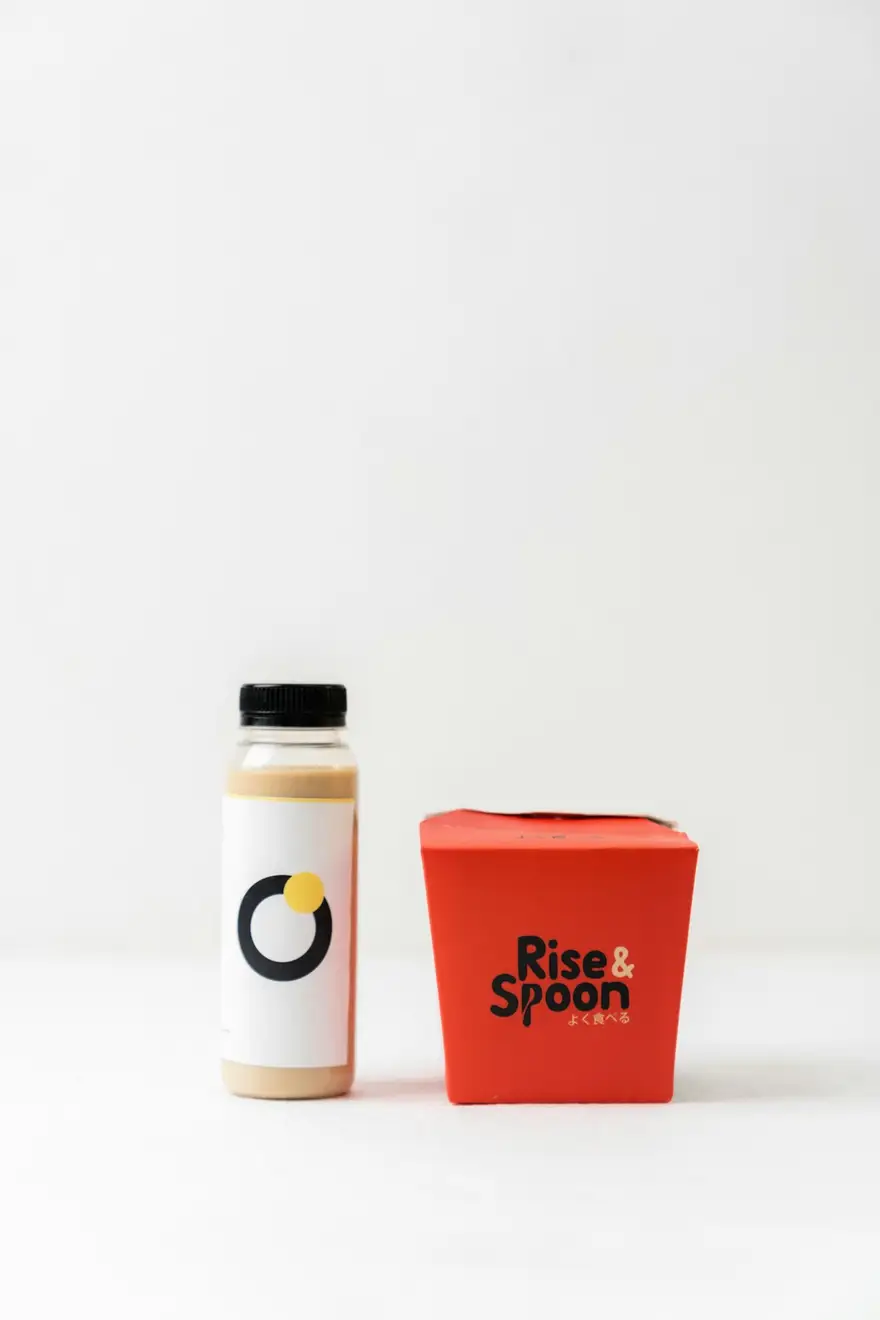
Sample photography from Unsplash by avtar9w, __humanbean and mathildelangevin.
Made for brand designers, not for everyone
01
Identity as a system
Mark, typography, palette and applications in sequence, so clients see how a brand holds together.
02
Strategy in a sentence
Every project opens with the idea behind it, which is what the next client is really buying.
03
Studio-grade presentation
Large applications, careful spacing and a quiet frame that lets each identity carry the page.
Starter prompt
A prompt written for brand designers
It opens in the builder ready to edit. Replace the words in brackets with your own details, change anything else you like, then add a reference.
Reference to add
A branding studio's site whose case-study presentation you'd like to match.
The builder takes a reference's look (layout, type, palette, spacing), never its words or images.
Build a brand designer portfolio for [studio name], a brand identity studio working with [sector] businesses. Open with a short studio statement. Add an 'Identity work' section with six projects (client, sector, cover image) and a case-study page for each: the strategic idea in one sentence, the mark, the type and colour system shown as specimen blocks, and applications (packaging, signage, digital). Add services (strategy, naming, identity, guidelines), a studio section and a contact section. Refined and confident: generous whitespace, an elegant grotesque, large application imagery and colour used only where the work needs it.
How it works
01
Describe your brand designer site
Open the builder with the starter prompt, fill in your details and add a screenshot or link of a site you'd like yours to look like. A reference is required: it's what makes the design yours rather than a template.
02
Watch it design every page
The builder plans the pages, palette and type, then builds each page section by section on a canvas at desktop, tablet and phone widths while you watch.
03
Refine it, then take the code
Ask for changes in plain words or edit by hand, upload your own work, then download a Next.js project or static HTML, or push it to your GitHub, and host it where you like.
What it costs: From $25/month, or $29 once for 50 credits that never expire. No FNJ hosting fee: you host the exported site. See plans
Brand designers: questions
- Can I show colour palettes and type specimens?
- Yes. Ask for specimen blocks and the builder makes colour swatches and type samples as real page elements you can edit.
- Can I put brand guidelines online?
- You can design a guidelines page per client with the builder, but there's no password protection, so only publish what the client agrees to share.
- Can the site match my own studio brand?
- Yes. Attach your own brand files as a project reference, or a screenshot of your guidelines, and the builder uses your exact colours and fonts.
- How many case studies can I include?
- Site Pack sites go up to 10 pages and subscription sites up to 20, so a home page, an about page and eight or more case studies fit comfortably.
Related portfolio builders

Present identities the way studios do
The builder opens with your brand designer prompt filled in. You edit it, add a reference, and watch the first version take shape.