
Interior designer portfolio website builder
An interior design portfolio clients can almost walk into
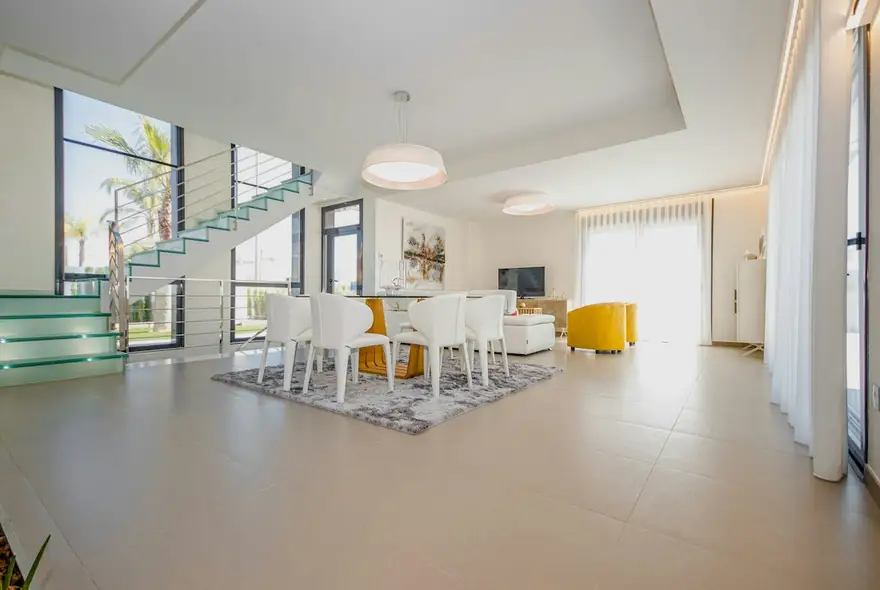
Interior clients buy a feeling and a process. FNJ's AI builder designs an interior design website with full projects shown room by room, your style in words and images, the steps from consultation to install and a clear way to book a first conversation. Upload your project photography and adjust any layout by hand.
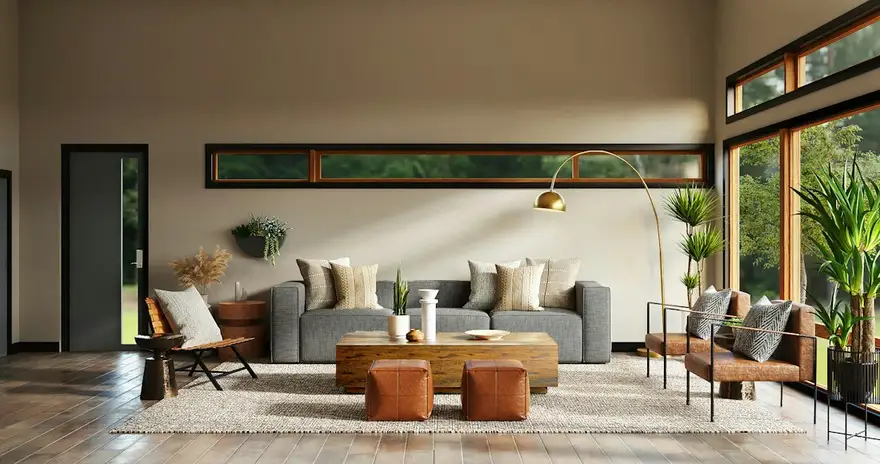
Interiors for slow mornings and long dinners
Taking residential projects for 2027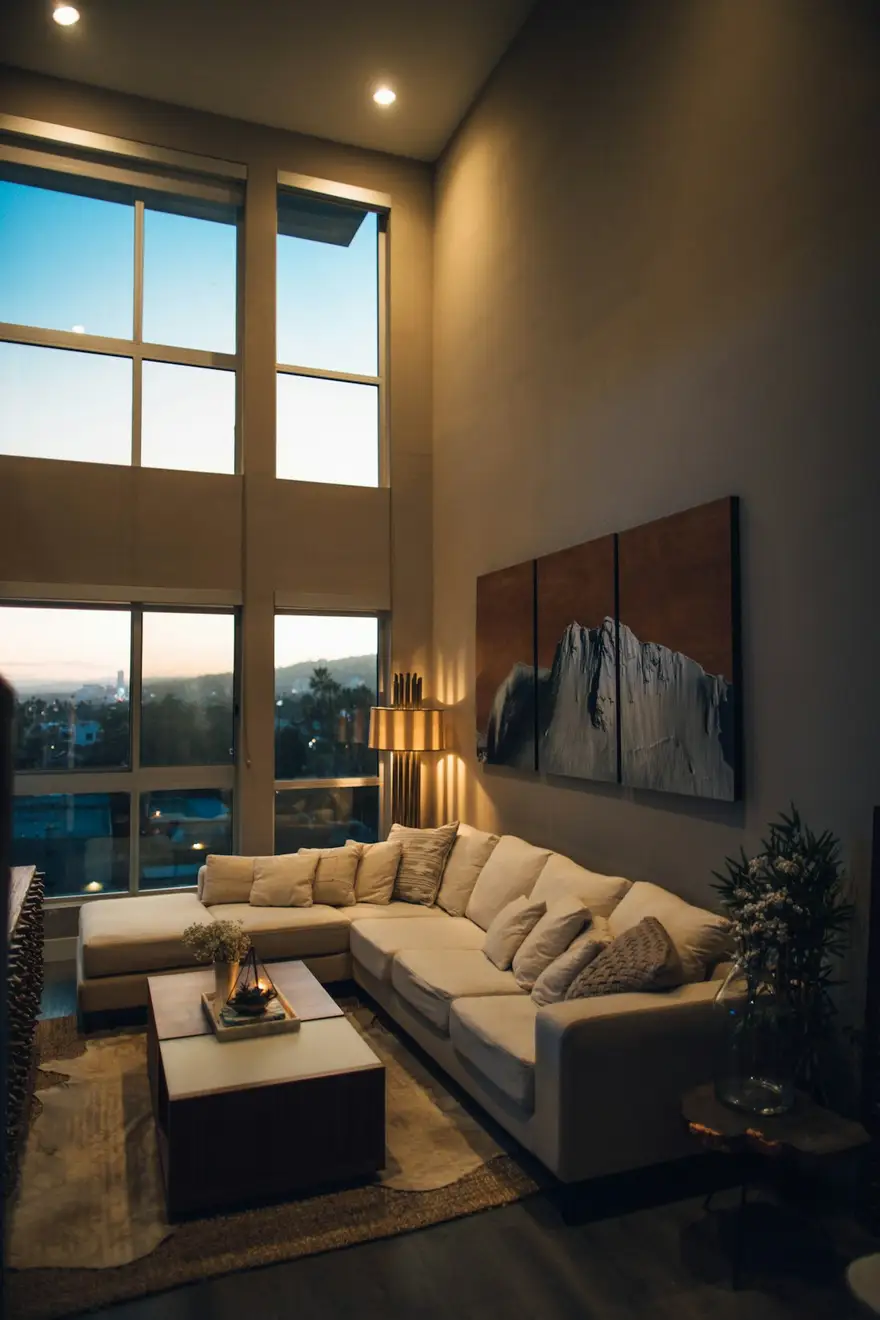
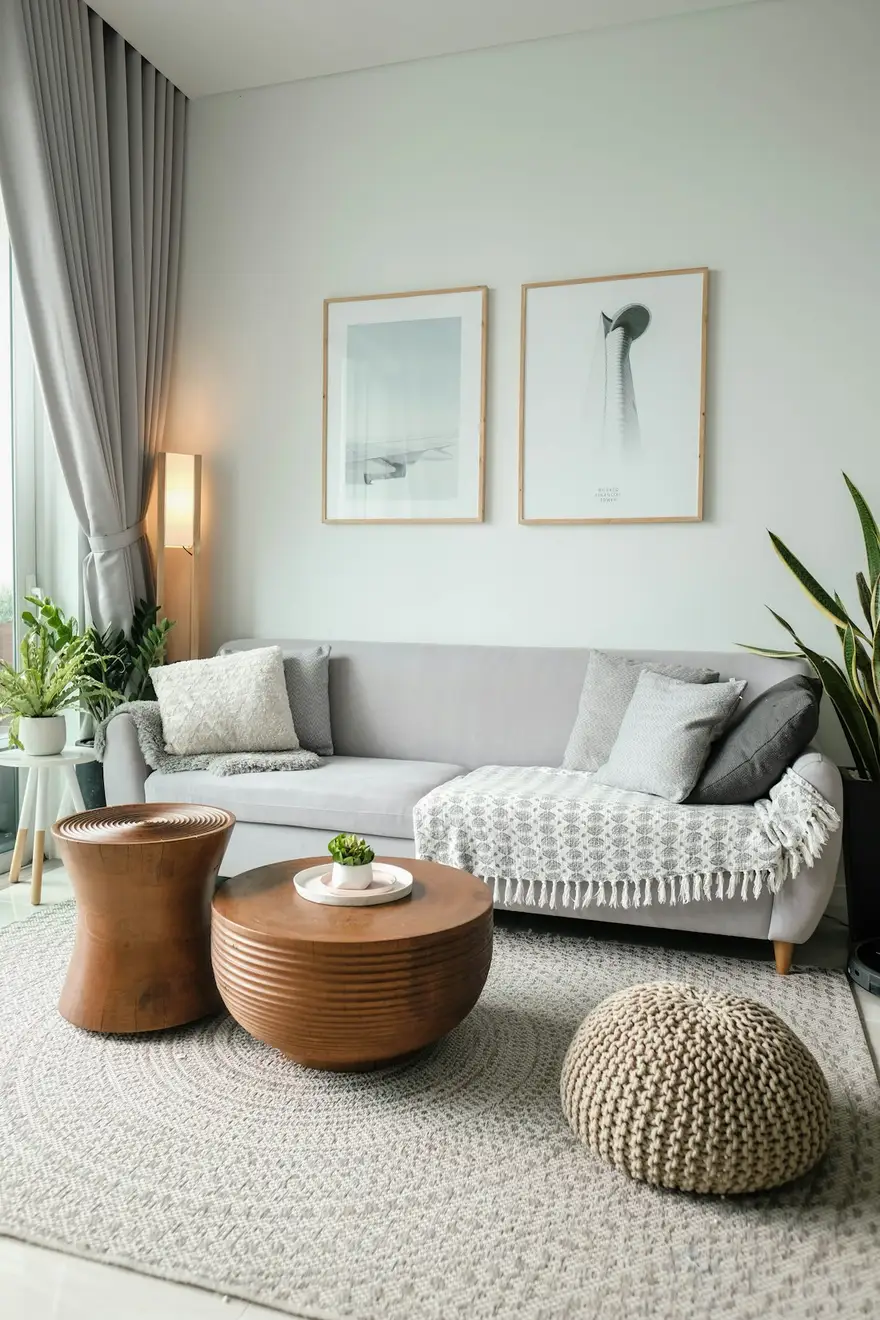
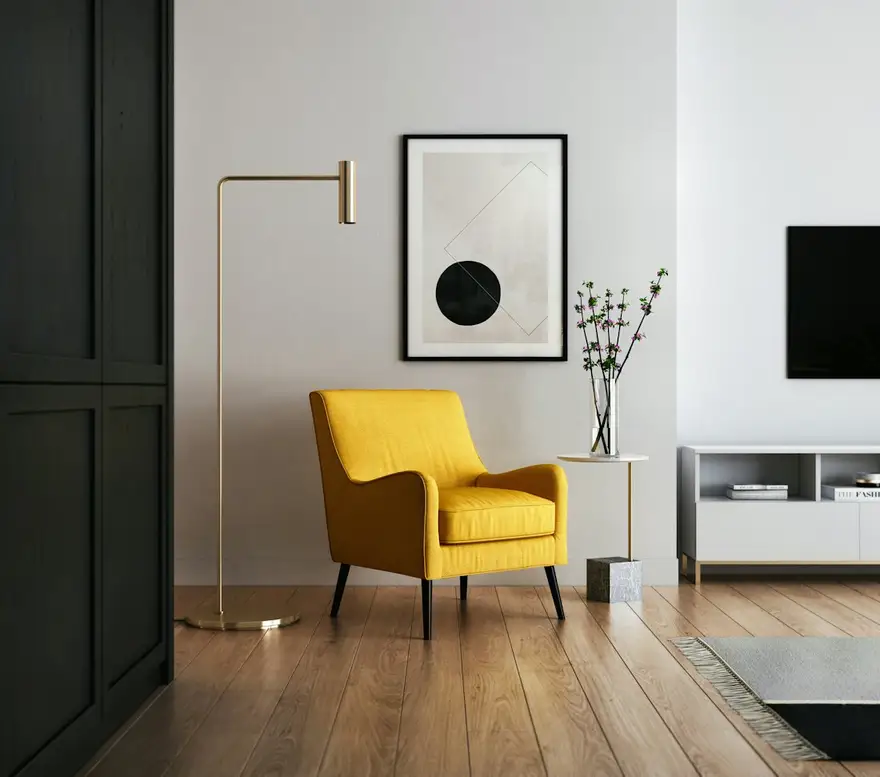
Interiors for slow mornings and long dinners
Taking residential projects for 2027The same sample at phone width. The builder designs every page at desktop, tablet and phone widths.
The sample, section by section
What an interior designer website needs
The sections the builder can design for you, and the job each one does. The starter prompt asks for these; add or drop any of them in your own words.
- 01
Signature room hero
One room that captures your style.
- 02
Projects
Homes and commercial spaces with location and scope.
- 03
Project pages
Before and after, room by room, materials.
- 04
Services
Full design, e-design, styling, consultations.
- 05
Process
From first call to installation day.
- 06
Book a consultation
A button to your booking tool.
Sample photography from Unsplash by spacejoy, rpnickson, minhphamdesign and ka_idris.
Made for interior designers, not for everyone
01
Projects room by room
Living spaces, kitchens and bedrooms in sequence, with the brief and the materials that made them.
02
Process clients can trust
Consultation, concept, sourcing, installation: each step explained, with what the client does at each.
03
A palette that flatters rooms
Warm, quiet layouts that let wood, linen and light do the talking.
Starter prompt
A prompt written for interior designers
It opens in the builder ready to edit. Replace the words in brackets with your own details, change anything else you like, then add a reference.
Reference to add
An interior studio's or furniture brand's site with the warmth you want.
The builder takes a reference's look (layout, type, palette, spacing), never its words or images.
Build an interior design website for [studio name], an interior designer in [city] specialising in [residential / hospitality] projects. Open with a full-width photo of a signature room and a short line about my design philosophy. Add a 'Projects' section with six projects (location, scope) and a page for each with room-by-room photos, the brief and a materials list. Add services (full design, styling, consultations), a process section from first call to installation, and a 'Book a consultation' section with a button to my booking page. Warm, calm and elegant: a refined serif, warm neutrals and generous spacing.
How it works
01
Describe your interior designer site
Open the builder with the starter prompt, fill in your details and add a screenshot or link of a site you'd like yours to look like. A reference is required: it's what makes the design yours rather than a template.
02
Watch it design every page
The builder plans the pages, palette and type, then builds each page section by section on a canvas at desktop, tablet and phone widths while you watch.
03
Refine it, then take the code
Ask for changes in plain words or edit by hand, upload your own work, then download a Next.js project or static HTML, or push it to your GitHub, and host it where you like.
What it costs: From $25/month, or $29 once for 50 credits that never expire. No FNJ hosting fee: you host the exported site. See plans
Interior designers: questions
- Can I show before-and-after photos?
- Yes, side by side with captions. An interactive before/after slider isn't included.
- Can clients book a consultation on the site?
- Through a button to your booking tool or calendar. The builder doesn't include booking or payment itself.
- Can I list materials and suppliers for each project?
- Yes. Ask for a materials list on each project page and edit it directly; links to suppliers are buttons or text links.
- Can I build pages for each service area?
- Yes. Ask for a page per city or neighbourhood you serve, each with relevant projects.
Related portfolio builders


Let clients see the rooms you'd make
The builder opens with your interior designer prompt filled in. You edit it, add a reference, and watch the first version take shape.