
Real estate photography website builder
A real estate photography website agents book on sight
Agents and property managers want to know three things fast: is the work good, what does it cost, and can you shoot on Tuesday. FNJ's AI builder designs real estate photography sites that answer all three: bright before-you-scroll interiors, clear packages and add-ons, the areas you cover and a booking button on every page.
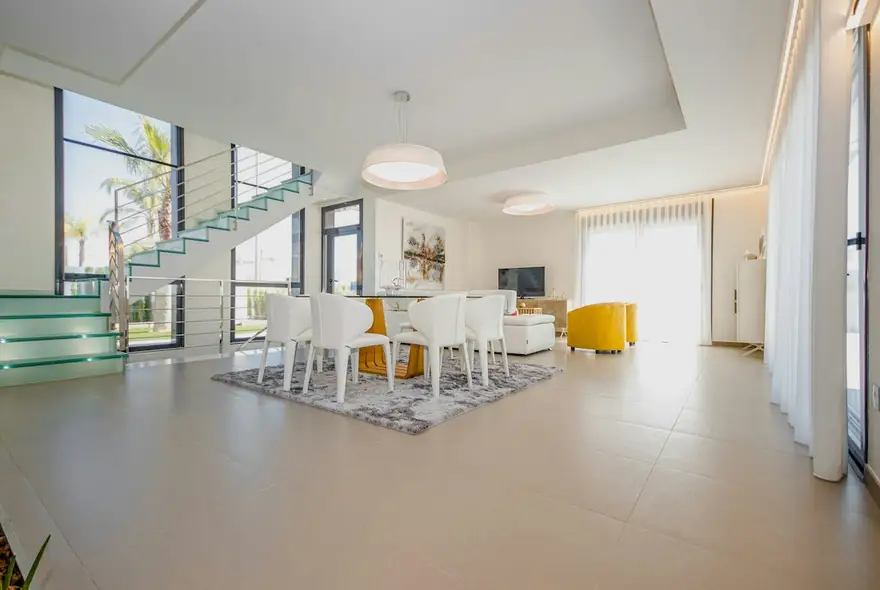
Listing photography that sells the light, not just the square metres
Next-day delivery on standard shoots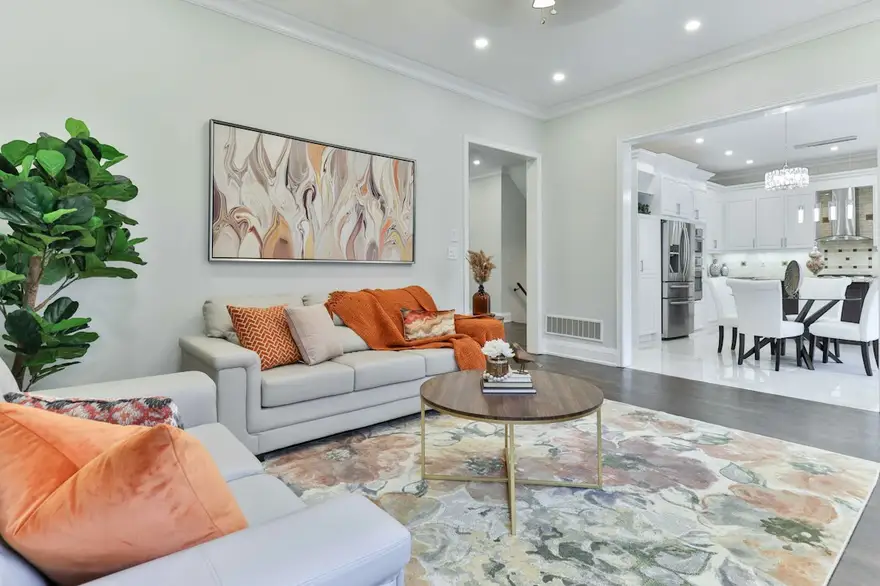
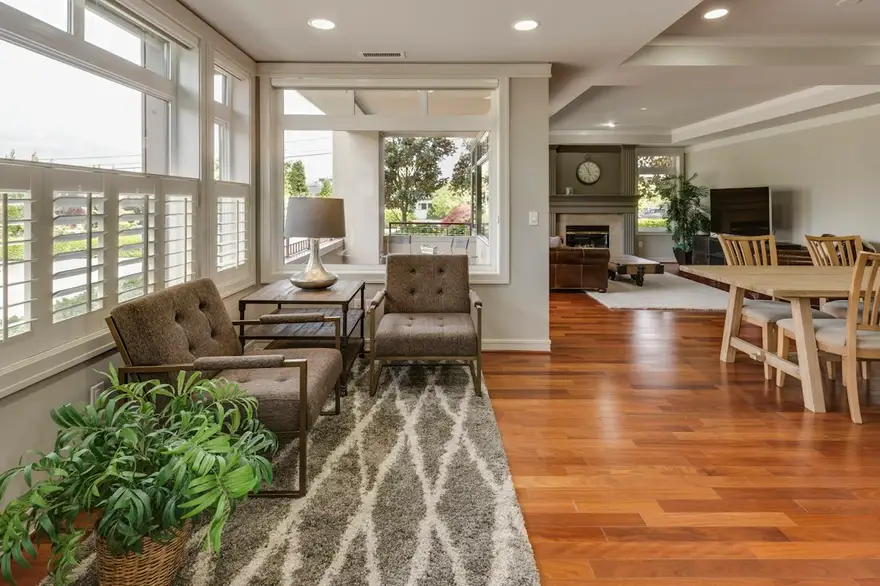
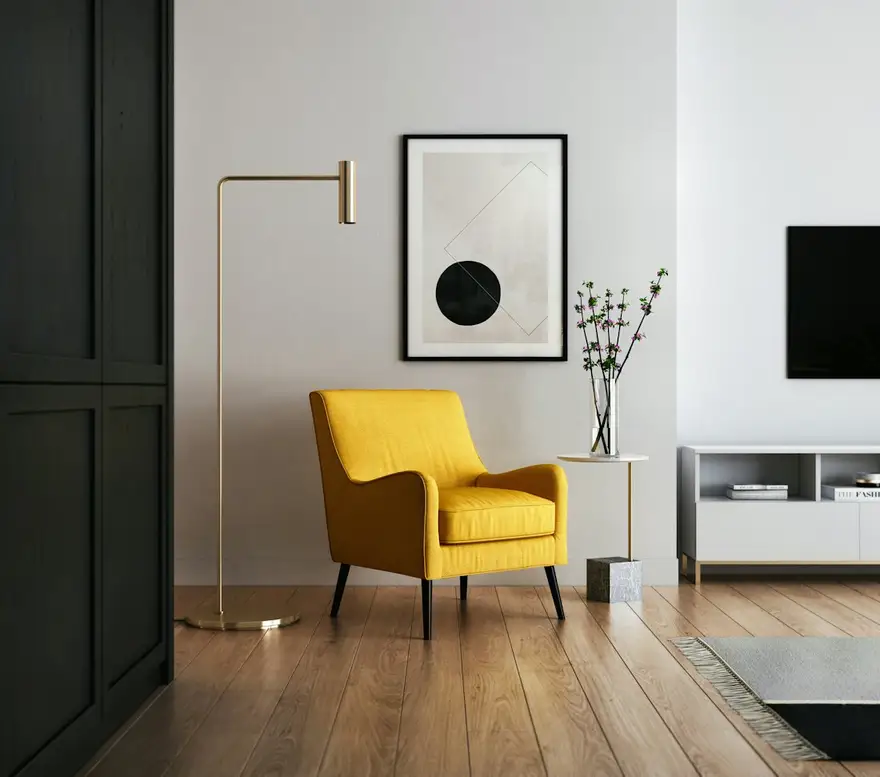
Listing photography that sells the light, not just the square metres
Next-day delivery on standard shootsThe same sample at phone width. The builder designs every page at desktop, tablet and phone widths.
The sample, section by section
What a real estate photographer website needs
The sections the builder can design for you, and the job each one does. The starter prompt asks for these; add or drop any of them in your own words.
- 01
Hero interior
One bright, well-composed room.
- 02
Portfolio by property type
Apartments, family homes, luxury and commercial.
- 03
Packages
What's included in each, with add-ons.
- 04
Coverage area
The towns and neighbourhoods you serve.
- 05
Turnaround
When agents get their photos.
- 06
Book a shoot
A button to your booking tool, on every page.
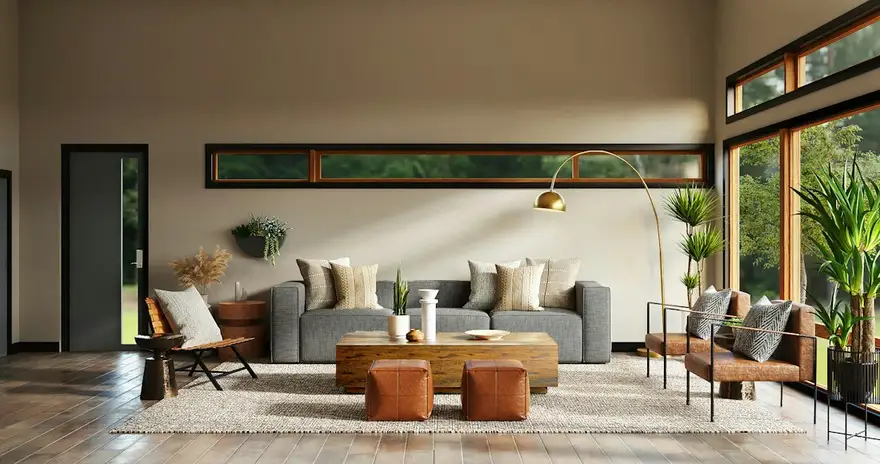
Sample photography from Unsplash by framesforyourheart, lotusdnp, fromitaly and ka_idris.
Made for real estate photographers, not for everyone
01
Packages at a glance
Photo counts, twilight, floor plans and aerials laid out as clear packages, so agents can pick without calling.
02
Bright, honest interiors
A clean, light layout that keeps verticals straight and rooms looking like rooms.
03
Coverage and turnaround
The areas you serve and how fast you deliver, the details that win repeat agents.
Starter prompt
A prompt written for real estate photographers
It opens in the builder ready to edit. Replace the words in brackets with your own details, change anything else you like, then add a reference.
Reference to add
A real estate photography or property-styling site that feels bright and trustworthy.
The builder takes a reference's look (layout, type, palette, spacing), never its words or images.
Build a real estate photography website for [business name], serving agents in [area]. Lead with a bright interior photo and a clear promise about quality and turnaround. Add a portfolio grouped by property type, a 'Packages' section with three packages and add-ons (twilight, floor plans, aerial), a coverage-area section, a turnaround section, an FAQ for agents, and a 'Book a shoot' button on every page linking to my booking tool. Clean, bright and professional, with a crisp sans-serif and plenty of white space.
How it works
01
Describe your real estate photographer site
Open the builder with the starter prompt, fill in your details and add a screenshot or link of a site you'd like yours to look like. A reference is required: it's what makes the design yours rather than a template.
02
Watch it design every page
The builder plans the pages, palette and type, then builds each page section by section on a canvas at desktop, tablet and phone widths while you watch.
03
Refine it, then take the code
Ask for changes in plain words or edit by hand, upload your own work, then download a Next.js project or static HTML, or push it to your GitHub, and host it where you like.
What it costs: From $25/month, or $29 once for 50 credits that never expire. No FNJ hosting fee: you host the exported site. See plans
Real estate photographers: questions
- Can agents book a shoot from the site?
- Yes, through a 'Book a shoot' button that opens the booking tool you use. The builder doesn't include its own scheduling.
- Can I show packages with prices?
- Yes. The builder designs a packages section from what you tell it, and you can edit prices and inclusions on the canvas any time.
- Can I add virtual tours?
- You can link to a tour from a button. Embedded 3D tours aren't included in the builder.
- Can the site cover several towns?
- Yes. Ask for a coverage section listing the areas you serve; add a page per area if you want each to stand on its own.
Related portfolio builders
Get agents booking from your site
The builder opens with your real estate photographer prompt filled in. You edit it, add a reference, and watch the first version take shape.