
Freelance photographer website builder
A freelance photographer website that books the work
As a freelancer your website is your shopfront, your rate card and your first conversation. FNJ's AI builder designs a photography business site around the work you want more of: services with clear starting rates, recent clients and projects, how a job runs, and a booking button that goes to the tool you already use.
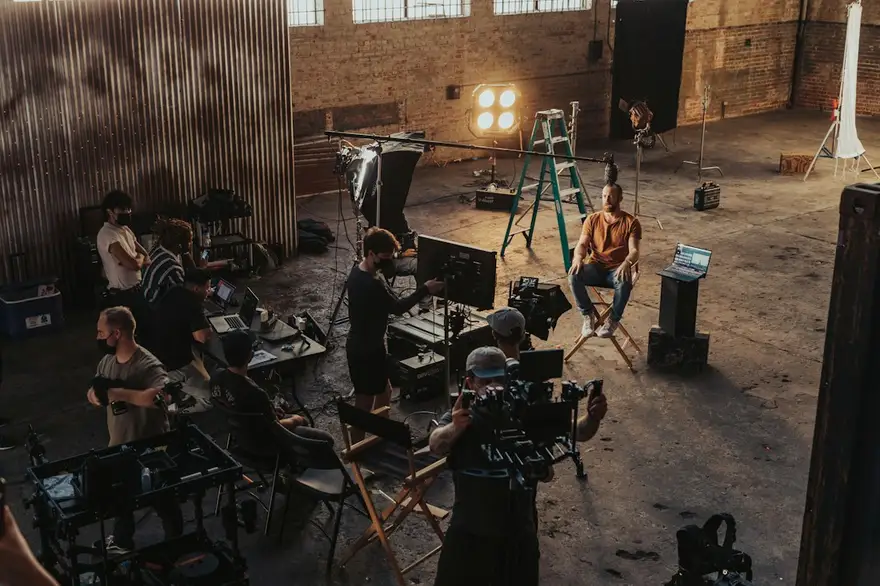
Brand, headshot and event photography for teams in Manchester
Two shoot days left this month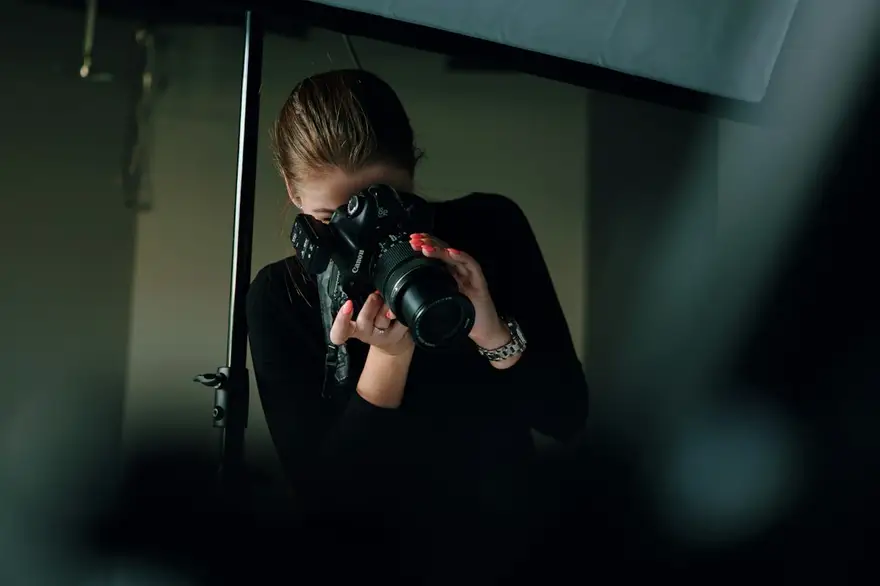
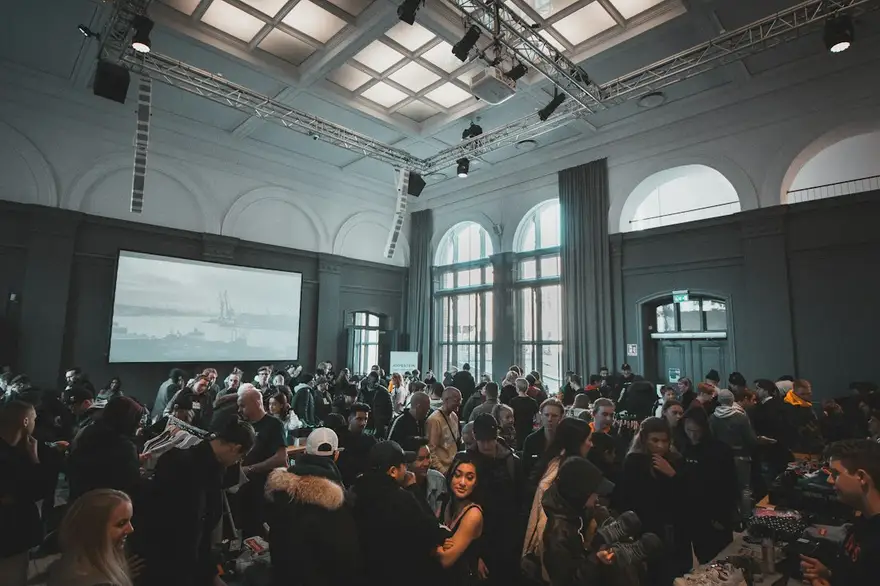

Brand, headshot and event photography for teams in Manchester
Two shoot days left this monthThe same sample at phone width. The builder designs every page at desktop, tablet and phone widths.
The sample, section by section
What a freelance photographer website needs
The sections the builder can design for you, and the job each one does. The starter prompt asks for these; add or drop any of them in your own words.
- 01
Positioning hero
Who you shoot for, in one line, with your best image.
- 02
Services and starting rates
Two to four services with what's included.
- 03
Recent work
Projects with the client and the brief.
- 04
How a job runs
From inquiry to delivery.
- 05
Clients
Names that make the next client comfortable.
- 06
Book or enquire
A button to your booking or inquiry tool.
Sample photography from Unsplash by jakobowens1, vmxhu, jakobdalbjorn and alelmes.
Made for freelance photographers, not for everyone
01
Lead with what you want to sell
Put the services you want more of first, and let the rest support them.
02
Rates that pre-qualify
Starting prices and what's included, so the inquiries you get are ones you can say yes to.
03
Proof close to the ask
Recent projects and client names next to every call to action, not buried on a separate page.
Starter prompt
A prompt written for freelance photographers
It opens in the builder ready to edit. Replace the words in brackets with your own details, change anything else you like, then add a reference.
Reference to add
The site of a freelance creative or small studio whose clear, businesslike layout you like.
The builder takes a reference's look (layout, type, palette, spacing), never its words or images.
Build a website for my freelance photography business, [business name], in [city]. I shoot [corporate events, headshots and brand content]. Open with a positioning line about who I work with and one strong image. Add services with starting rates and what's included, a 'Recent work' section with six projects (client and brief for each), a 'How it works' section from inquiry to delivery, a client list, and an 'Enquire' section with a button to my booking page. Confident, modern and professional, with a clean sans-serif and one bold accent colour.
How it works
01
Describe your freelance photographer site
Open the builder with the starter prompt, fill in your details and add a screenshot or link of a site you'd like yours to look like. A reference is required: it's what makes the design yours rather than a template.
02
Watch it design every page
The builder plans the pages, palette and type, then builds each page section by section on a canvas at desktop, tablet and phone widths while you watch.
03
Refine it, then take the code
Ask for changes in plain words or edit by hand, upload your own work, then download a Next.js project or static HTML, or push it to your GitHub, and host it where you like.
What it costs: From $25/month, or $29 once for 50 credits that never expire. No FNJ hosting fee: you host the exported site. See plans
Freelance photographers: questions
- Should I show prices on my photography website?
- Starting prices help clients self-select; the builder can design a services section with 'from' rates that you edit whenever they change.
- Can clients pay a deposit on the site?
- Not through the builder; it has no checkout. Link your booking button to a tool that takes deposits.
- Can I add a page per service?
- Yes. Ask for one and the builder adds a page for each service, with its own gallery and details.
- How much does it cost to build?
- Builder credits start with a one-time Site Pack; there's no monthly hosting fee from FNJ because you host the exported site yourself.
Related portfolio builders
Turn your portfolio into a booking page
The builder opens with your freelance photographer prompt filled in. You edit it, add a reference, and watch the first version take shape.