
Landscape photography portfolio website
A landscape portfolio with room to breathe
Landscapes lose their scale in small frames. FNJ's AI builder designs landscape photography portfolios with full-width images, collections by place or season, quiet type and space for the stories behind each trip. Add your workshops or print enquiries, upload your own images, and own the result.
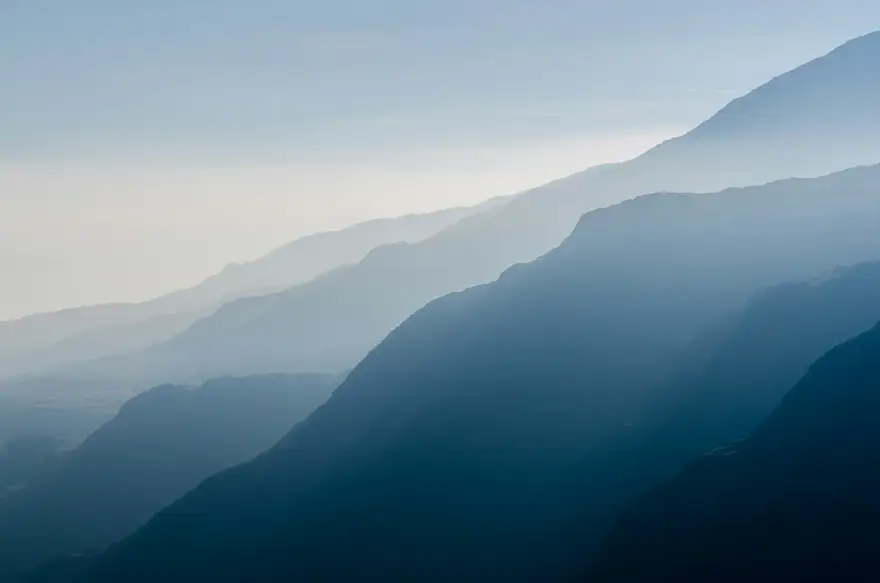
Mountains, weather and the long wait for light
Dolomites workshop · September 2027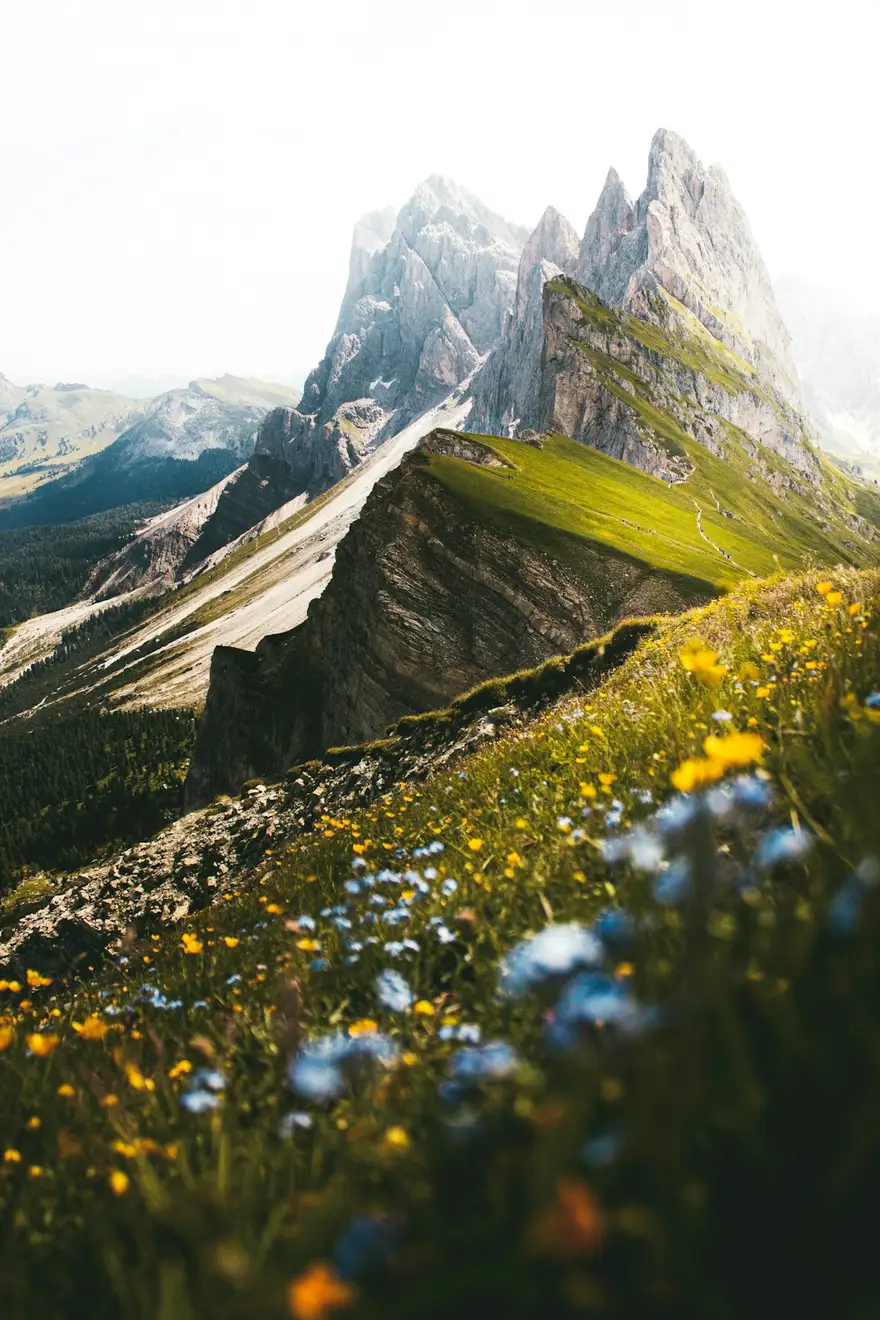
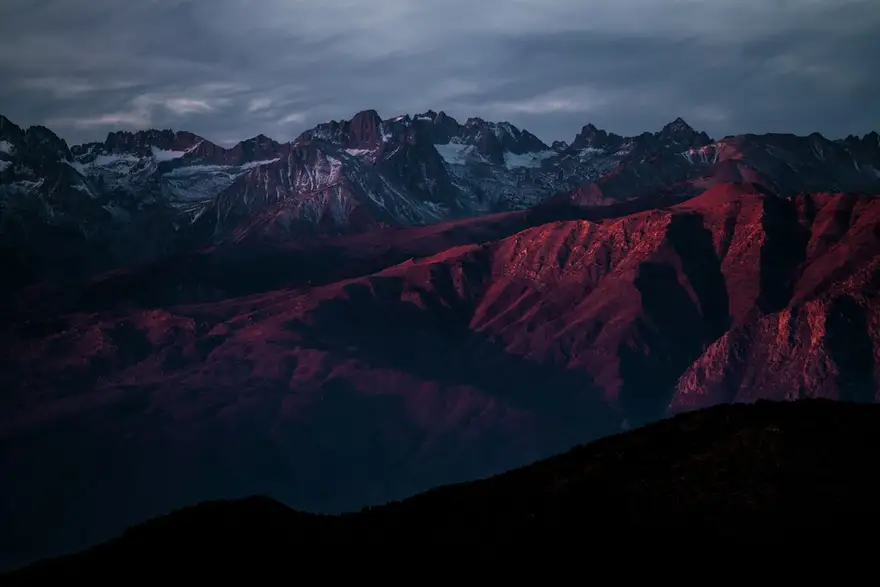
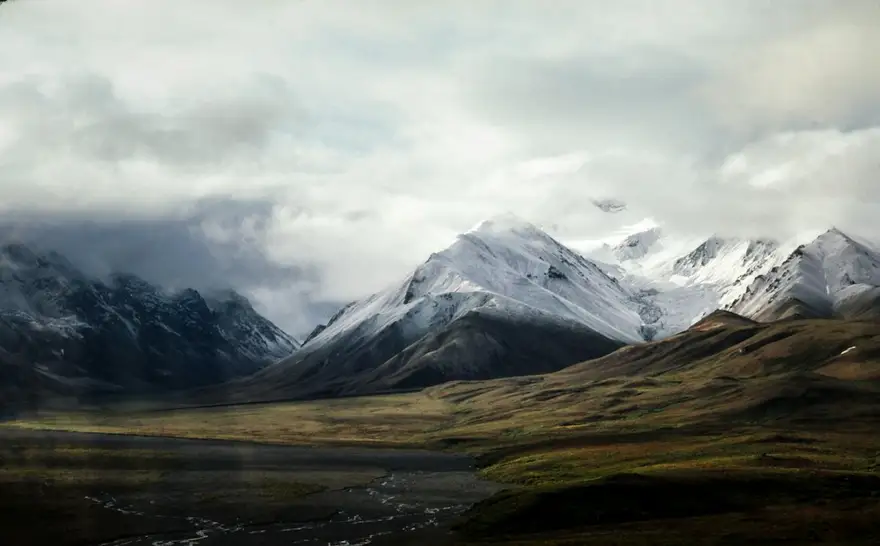
Mountains, weather and the long wait for light
Dolomites workshop · September 2027The same sample at phone width. The builder designs every page at desktop, tablet and phone widths.
The sample, section by section
What a landscape photographer website needs
The sections the builder can design for you, and the job each one does. The starter prompt asks for these; add or drop any of them in your own words.
- 01
Panoramic hero
A single wide image that sets the scale.
- 02
Collections
Galleries grouped by place, season or project.
- 03
Field notes
Short stories from the trips behind the photographs.
- 04
Workshops
Dates, locations and a link to book.
- 05
Prints
Edition sizes and a link to your print shop.
- 06
About
Your background and how you work.
Sample photography from Unsplash by paulearlephotography, danielakokina, heytowner and nathananderson.
Made for landscape photographers, not for everyone
01
Full width, edge to edge
Images that run the width of the screen on desktop and stack with care on phones, keeping the horizon where you put it.
02
Collections by place
Iceland, the Dolomites, the coast at home: each collection with a short story and its own sequence.
03
Workshops and prints
Sections for workshops and print enquiries, linked to the booking or shop tools you already use.
Starter prompt
A prompt written for landscape photographers
It opens in the builder ready to edit. Replace the words in brackets with your own details, change anything else you like, then add a reference.
Reference to add
A landscape or travel photographer's site with the calm, spacious layout you like.
The builder takes a reference's look (layout, type, palette, spacing), never its words or images.
Build a landscape photography portfolio for [your name], a landscape and travel photographer based in [region]. Start with a full-width panoramic hero image and my name in understated type. Add a 'Collections' section with four places (each with a story page and a long full-width gallery), a 'Field notes' section with short trip stories, a 'Workshops' section with dates and a booking link, a 'Prints' section linking to my print shop, and an about page. Quiet, spacious and cinematic, with a light serif and muted, natural colours.
How it works
01
Describe your landscape photographer site
Open the builder with the starter prompt, fill in your details and add a screenshot or link of a site you'd like yours to look like. A reference is required: it's what makes the design yours rather than a template.
02
Watch it design every page
The builder plans the pages, palette and type, then builds each page section by section on a canvas at desktop, tablet and phone widths while you watch.
03
Refine it, then take the code
Ask for changes in plain words or edit by hand, upload your own work, then download a Next.js project or static HTML, or push it to your GitHub, and host it where you like.
What it costs: From $25/month, or $29 once for 50 credits that never expire. No FNJ hosting fee: you host the exported site. See plans
Landscape photographers: questions
- Will wide panoramas be cropped badly on phones?
- Each width has its own layout, so you can show a panorama full-width on desktop and give it a taller crop or a scrolling sequence on phones, adjusted on the canvas.
- Can I sell prints from the site?
- Link a 'Prints' button to the shop or print lab you use. The builder doesn't include a store or checkout.
- Can I write stories with my photos?
- Yes. Ask for a journal or field notes section and the builder lays out text alongside images; edit any paragraph directly.
- Do huge image files slow the site down?
- Photos you upload are resized and converted to WebP in your browser first, and they ship inside the exported site.
Related portfolio builders
Give your landscapes the screen they need
The builder opens with your landscape photographer prompt filled in. You edit it, add a reference, and watch the first version take shape.