
Photography portfolio website builder
A photography portfolio that lets the pictures talk
Show FNJ's AI builder a portfolio you admire and describe your work, and it designs a photography site around your images: a full-bleed opening frame, galleries grouped by series, an about page with your story and a clear way to book you. Upload your own photos, adjust any layout by hand, and keep the code.
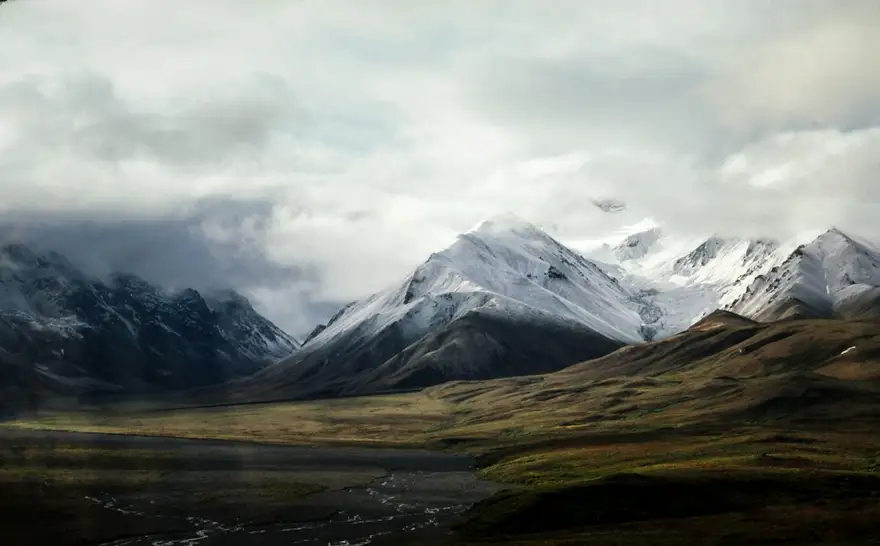
Photographs of light, land and the people in between
Commissions open for spring 2027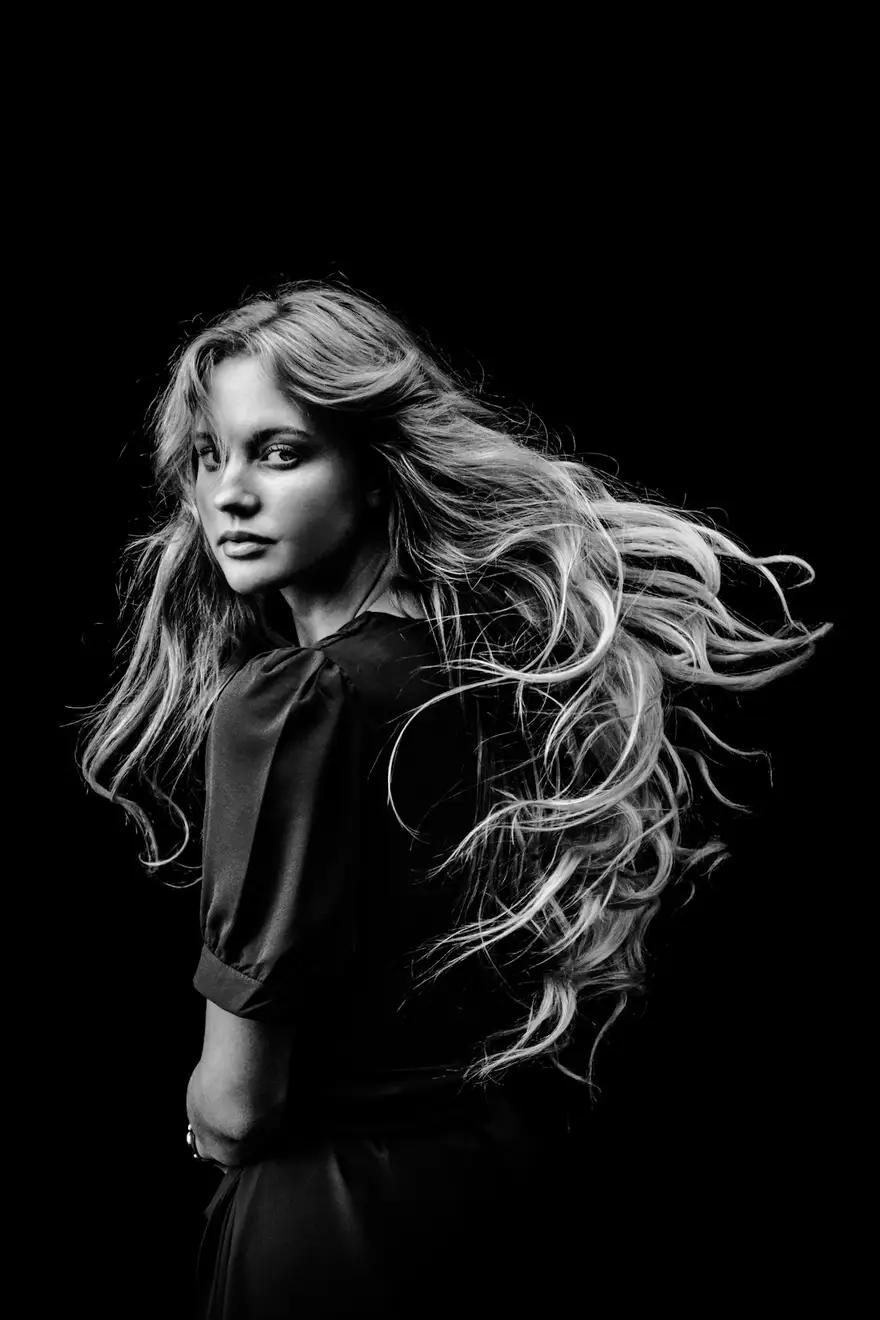
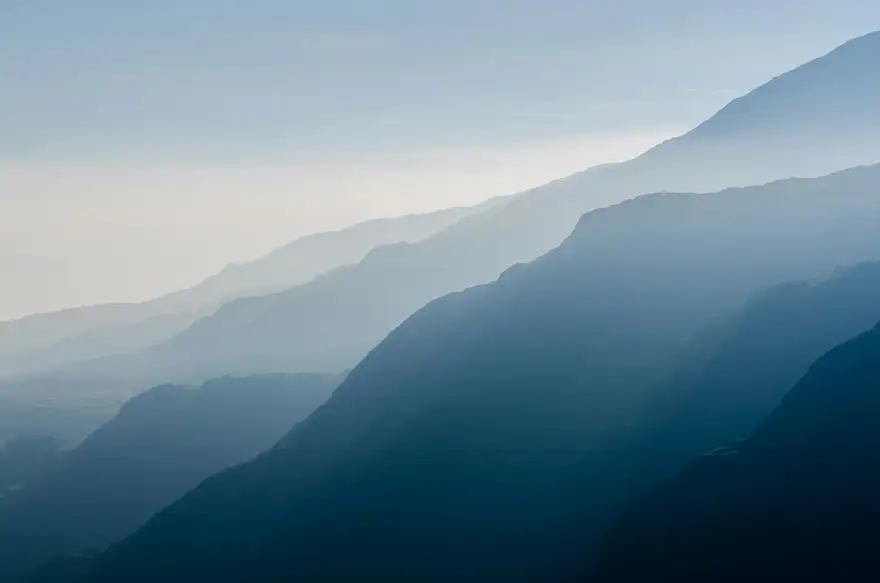
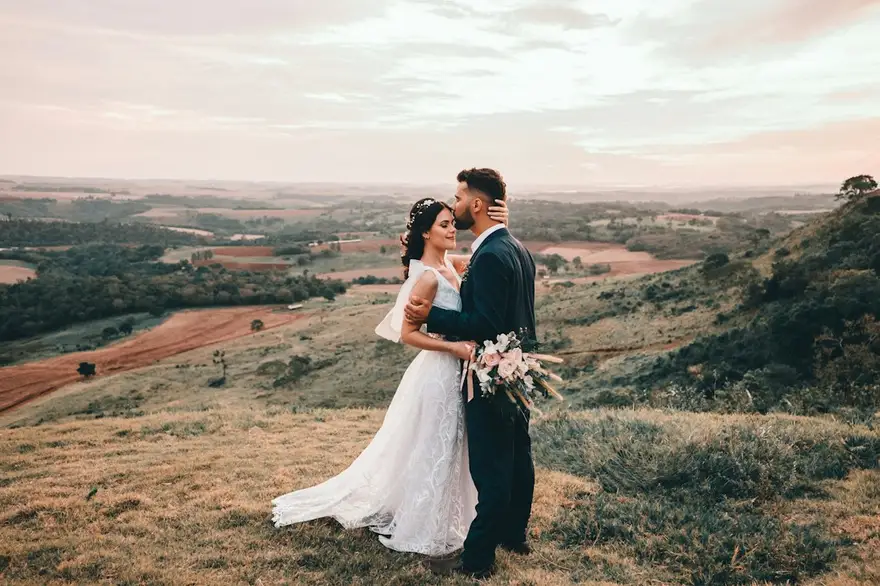
Photographs of light, land and the people in between
Commissions open for spring 2027The same sample at phone width. The builder designs every page at desktop, tablet and phone widths.
The sample, section by section
What a photographer website needs
The sections the builder can design for you, and the job each one does. The starter prompt asks for these; add or drop any of them in your own words.
- 01
Opening frame
One full-width image and your name: the first impression a client takes away.
- 02
Selected series
Three to six bodies of work, each with a cover image and a short line of context.
- 03
Series pages
A full gallery per series, sequenced like a printed book rather than a feed.
- 04
About
Who you are, what you shoot and where, with a portrait if you want one.
- 05
Services or commissions
What you take on, so the right clients recognise themselves.
- 06
Contact
Email and a button to your booking or inquiry form.
Sample photography from Unsplash by nathananderson, ttrapani, paulearlephotography and camilacordeiro.
Made for photographers, not for everyone
01
Images first, chrome second
Thin navigation, generous margins and type that steps back, so a viewer remembers your photographs rather than the template.
02
Galleries that hold their shape
Grids and full-width sequences are laid out for desktop, tablet and phone separately, so a portrait series doesn't turn into a wall of crops on a phone.
03
Your photos, kept light
Large files are resized and converted to WebP as you upload them, and they ship inside the exported site rather than from someone else's server.
Starter prompt
A prompt written for photographers
It opens in the builder ready to edit. Replace the words in brackets with your own details, change anything else you like, then add a reference.
Build a premium photography portfolio for [your name], a photographer based in [city] who shoots [your genre]. Open with a full-screen hero image and my name in elegant type, then a 'Selected series' section with four series covers, a page for each series with a full-width gallery, an about page with my story, a commissions section and a contact section with a button to my inquiry form. Keep the design quiet, editorial and image-first, with a refined serif and generous whitespace.
Reference to add
A screenshot of a photographer's portfolio you admire, ideally one whose pacing and typography feel like your work.
The builder takes a reference's look (layout, type, palette, spacing), never its words or images.
How it works
01
Describe your photographer site
Open the builder with the starter prompt, fill in your details and add a screenshot or link of a site you'd like yours to look like. A reference is required: it's what makes the design yours rather than a template.
02
Watch it design every page
The builder plans the pages, palette and type, then builds each page section by section on a canvas at desktop, tablet and phone widths while you watch.
03
Refine it, then take the code
Ask for changes in plain words or edit by hand, upload your own work, then download a Next.js project or static HTML, or push it to your GitHub, and host it where you like.
What it costs: From $25/month, or $29 once for 50 credits. Every site you build is yours to keep. No FNJ hosting fee: you host the exported site. See plans
Built with FNJ's AI builder
Look at this beautiful site our AI builder built in 10 minutes
One prompt and a screenshot of a site we liked, recorded as it happened. The builder designed a portfolio, built every page on the canvas for desktop, tablet and phone, and handed over the code. The video skips the waiting.
Photographers: questions
Can the AI builder design a photography portfolio from my own photos?
It designs the layout, type and pages around your description and a reference site, and fills its image spaces with stock photos sized for photography as stand-ins. Upload or drag in your own photos and they replace the stand-ins at once.
How many photos can a gallery hold?
As many as you place on the page; each image is its own block, so a series page can run as long as the work needs. Very large files are resized and converted to WebP as you upload them so the page stays quick.
Can I sell prints or take bookings on the site?
The builder doesn't include a shop, checkout or booking system. Link a 'Buy prints' or 'Book a shoot' button to the store or booking tool you already use.
Will my portfolio work on phones?
Every page is designed at desktop, tablet and phone widths at the same time, with its own gallery layout for each, and you can adjust each width on the canvas.
Do I own the site?
Yes. Export it as static HTML or a Next.js project, or push it to your own GitHub, and host it wherever you like. Your photos are copied into the export.
Portfolio guides
- GuideWhat to Include in a Photography Portfolio WebsiteWhat belongs on a photography portfolio website: how to edit your images, which galleries and pages to build, how to signal price and keep galleries fast.Read the guide →
- GuidePortfolio Website Ideas for 12 Professions, Page by PageFor 12 professions, from real estate photographers to translators: what the portfolio home page should lead with, and the three to five pages worth building.Read the guide →
- GuideWedding Photography Website: What Couples Check Before BookingThe six things couples check on a wedding photographer's website before they inquire, and how to answer each one clearly on a phone, from galleries to price.Read the guide →
Related portfolio builders
Start a portfolio that looks like your photographs
The builder opens with your photographer prompt filled in. You edit it, add a reference, and watch the first version take shape.