
3D artist portfolio website
A 3D portfolio that shows the render and the wireframe
3D work is reviewed twice: once for the beauty render, once for the topology. FNJ's builder designs a 3D artist portfolio with both: large renders on dark backgrounds, breakdowns with wireframes and clay passes, turntable clips and the tools you used. Describe your specialism (product, character, environment, motion) and attach a reference.
3D artist · product & abstract
Renders for brands that want their product to look like it came from the future.
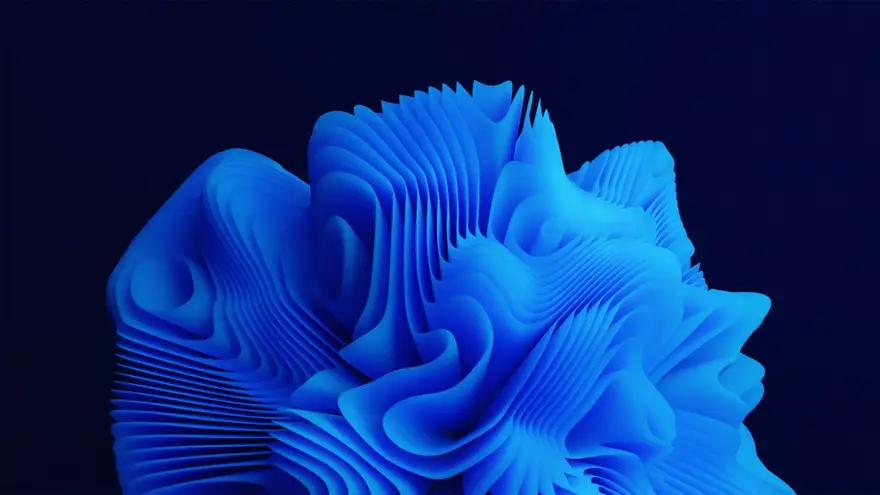
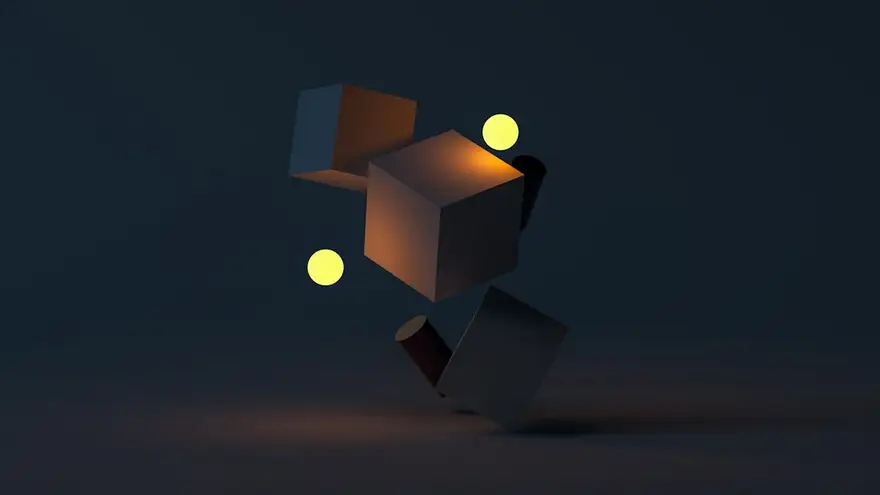
3D artist · product & abstract
Renders for brands that want their product to look like it came from the future.
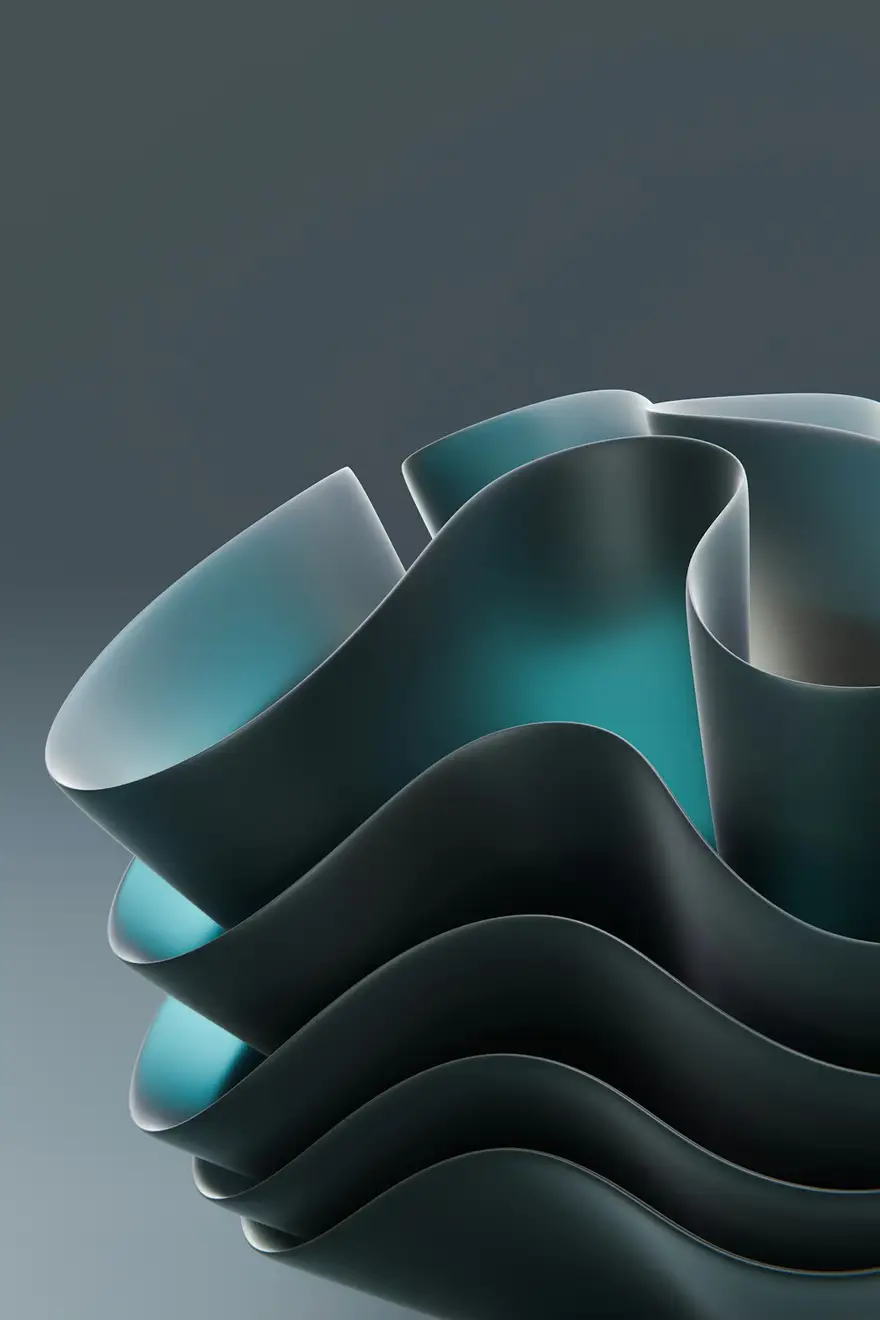
The same sample at phone width. The builder designs every page at desktop, tablet and phone widths.
The sample, section by section
What a 3D artist website needs
The sections the builder can design for you, and the job each one does. The starter prompt asks for these; add or drop any of them in your own words.
- 01
Hero render
Your best image, full width.
- 02
Projects
Product, character or environment work.
- 03
Breakdowns
Wireframe, clay and final passes.
- 04
Turntables
Looping clips of models.
- 05
Toolset
Blender, Cinema 4D, Houdini, Substance.
- 06
Contact
Email and links to ArtStation.
Sample photography from Unsplash by simonppt, sebastiansvenson and alexshuperart.
Made for 3D artists, not for everyone
01
Renders on dark
Large, high-contrast galleries that make lighting and materials look their best.
02
Breakdowns built in
Clay, wireframe and final passes side by side on every project.
03
Turntables and loops
Muted looping clips for turntables and animated pieces, played from files you host.
Starter prompt
A prompt written for 3D artists
It opens in the builder ready to edit. Replace the words in brackets with your own details, change anything else you like, then add a reference.
Reference to add
An ArtStation profile or a CGI studio's site whose look you like.
The builder takes a reference's look (layout, type, palette, spacing), never its words or images.
Build a 3D artist portfolio for [your name], a 3D artist specialising in [product visualisation / characters / environments]. Open with a full-width hero render on a near-black background and my name in a clean, futuristic sans-serif. Add a projects grid with eight renders and a page per project with the final render, a breakdown row (wireframe, clay, final), a looping turntable video and the tools used. Add a toolset section and a contact section with email and ArtStation links. Dark, sleek and gallery-like, with one luminous accent colour.
How it works
01
Describe your 3D artist site
Open the builder with the starter prompt, fill in your details and add a screenshot or link of a site you'd like yours to look like. A reference is required: it's what makes the design yours rather than a template.
02
Watch it design every page
The builder plans the pages, palette and type, then builds each page section by section on a canvas at desktop, tablet and phone widths while you watch.
03
Refine it, then take the code
Ask for changes in plain words or edit by hand, upload your own work, then download a Next.js project or static HTML, or push it to your GitHub, and host it where you like.
What it costs: From $25/month, or $29 once for 50 credits that never expire. No FNJ hosting fee: you host the exported site. See plans
3D artists: questions
- Can I embed an interactive 3D model?
- Not in the builder: there's no 3D viewer block. Show turntables as looping videos, and add an interactive viewer to the exported Next.js project if you want one.
- Can I show wireframes next to renders?
- Yes. Ask for a breakdown row on each project and upload your wireframe, clay and final images.
- Will high-resolution renders slow the site?
- Uploads are resized and converted to WebP in your browser. For close inspection, add detail crops alongside the full render.
- Can I link my ArtStation?
- Yes, with a button in the navigation or footer.
Related portfolio builders

Digital artists
A digital art portfolio that's yours, not the algorithm's
Motion designers
A motion design portfolio that starts with the reel
Animators
An animation portfolio with the reel and the breakdowns
More for video and visual creators
Render your portfolio as carefully as your scenes
The builder opens with your 3D artist prompt filled in. You edit it, add a reference, and watch the first version take shape.