
Content creator website builder
A creator website you own, with a media kit brands can read
Platforms change their rules; your own site doesn't. FNJ's AI builder designs a creator website with your best videos, what your channel is about, a media kit page for brand partners (your audience numbers, formats and past partnerships, entered by you) and all your links. It works for YouTube creators, streamers and short-form creators alike.
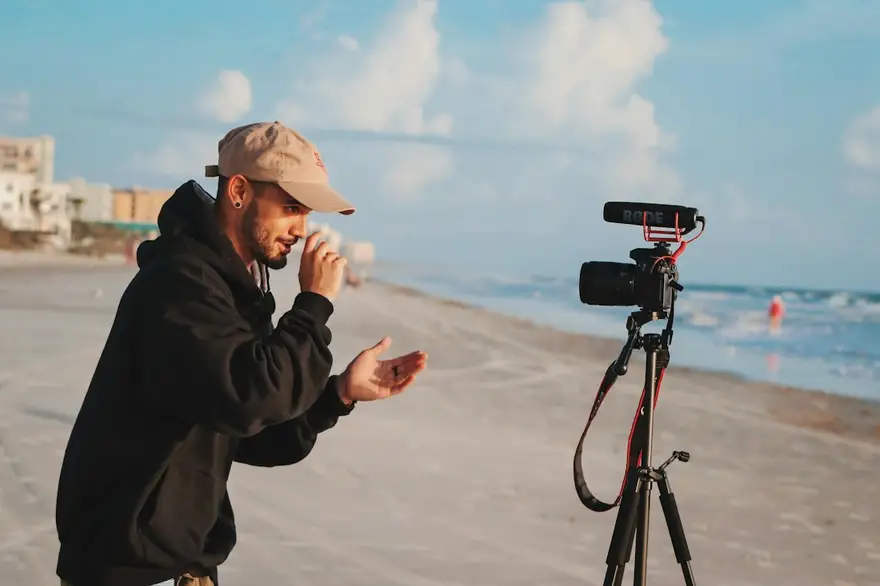
Nadia Cooks Small
Food creator · YouTube & short-form
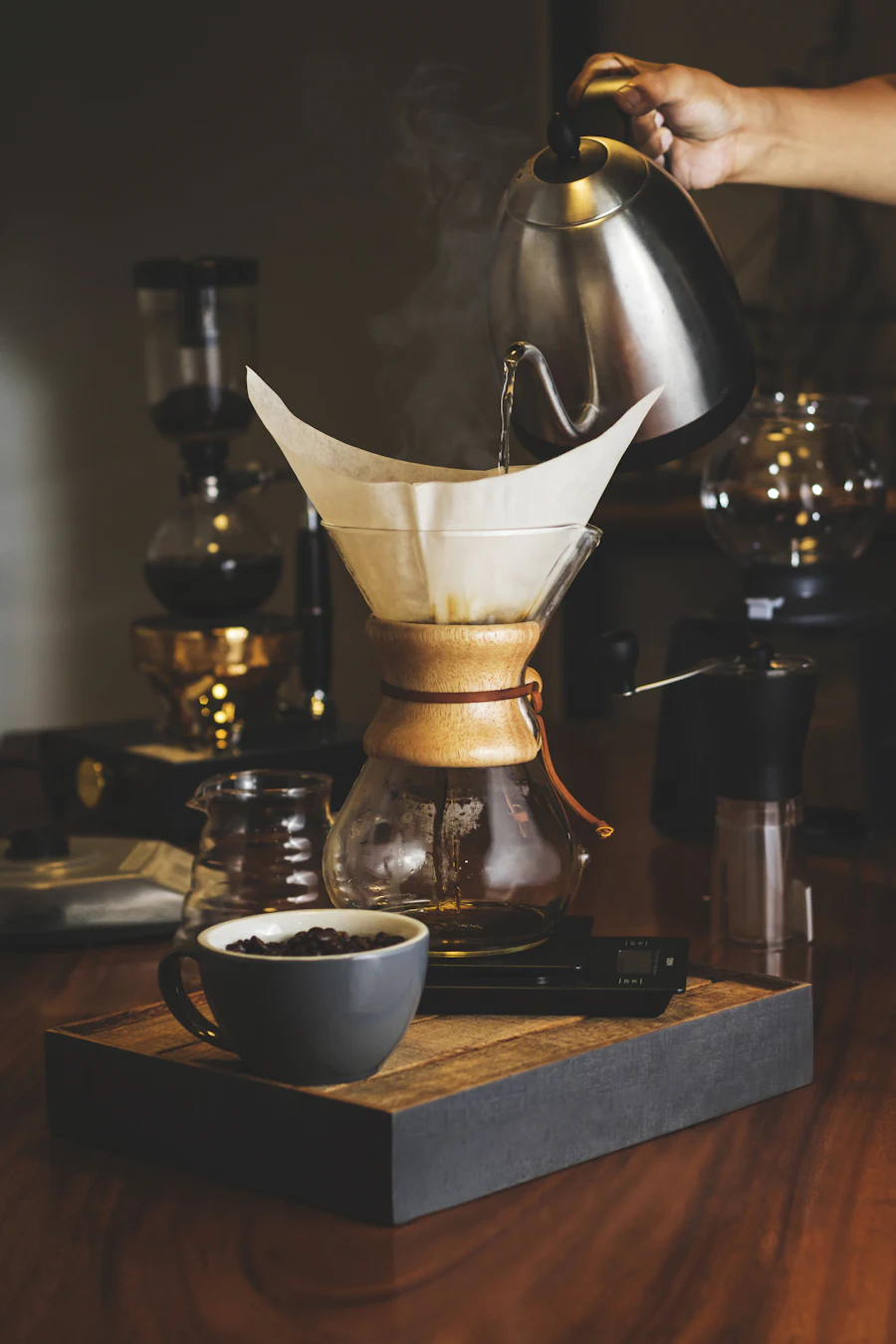 2:14
2:14Weekly recipes
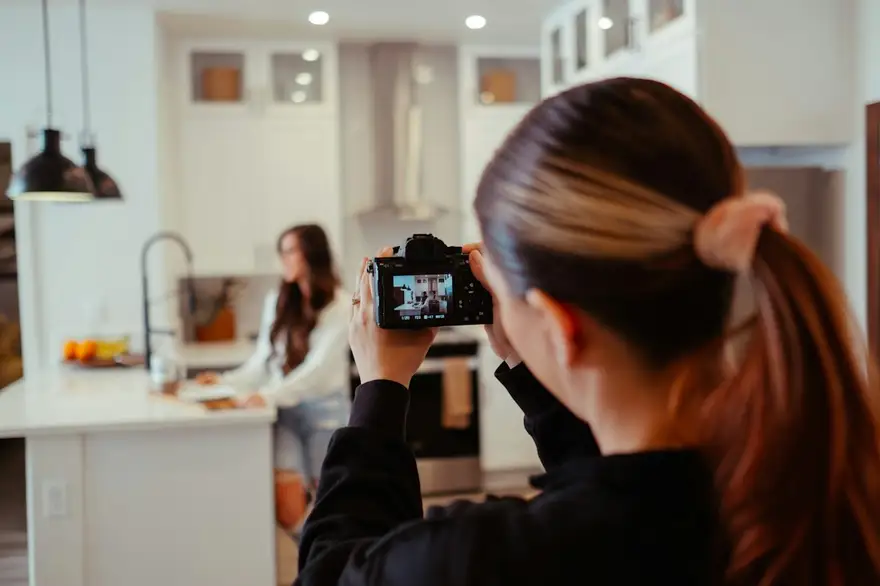 0:58
0:58Kitchen tests
 4:30
4:30Brand partnerships
Nadia Cooks Small
Food creator · YouTube & short-form
2:14Weekly recipes
0:58Kitchen tests
4:30Brand partnerships
The same sample at phone width. The builder designs every page at desktop, tablet and phone widths.
The sample, section by section
What a content creator website needs
The sections the builder can design for you, and the job each one does. The starter prompt asks for these; add or drop any of them in your own words.
- 01
Creator hero
Who you are and what your channel is about.
- 02
Featured videos
Linked thumbnails to your best work.
- 03
Media kit
Audience, formats, rates and partners.
- 04
Brand partnerships
Past collaborations, with permission.
- 05
Links
Every channel, shop and newsletter.
- 06
Work with me
Email for brands and management.
Sample photography from Unsplash by andresssssssq and wesleyphotography.
Made for content creators, not for everyone
01
A media kit that's always current
A page with your audience, formats, rates and past partners that you update in minutes, instead of re-exporting a PDF.
02
Your best work, curated
The videos you're proudest of, chosen by you rather than an algorithm.
03
One home for every link
Channels, newsletter, shop and socials in one place you own.
Starter prompt
A prompt written for content creators
It opens in the builder ready to edit. Replace the words in brackets with your own details, change anything else you like, then add a reference.
Reference to add
A creator's website or a brand you like whose energy matches your channel.
The builder takes a reference's look (layout, type, palette, spacing), never its words or images.
Build a content creator website for [your name], a [YouTube / TikTok / Twitch] creator making videos about [your niche]. Open with a bold hero with my name, a one-line description of my channel and buttons to my main channels. Add a 'Featured videos' section with six linked video thumbnails, a 'Media kit' page with audience stats I'll fill in, content formats, rates and past brand partners, a links section and a 'Work with me' section with my business email. Vibrant and personal: a playful display font, bold colour blocks and big rounded thumbnails.
How it works
01
Describe your content creator site
Open the builder with the starter prompt, fill in your details and add a screenshot or link of a site you'd like yours to look like. A reference is required: it's what makes the design yours rather than a template.
02
Watch it design every page
The builder plans the pages, palette and type, then builds each page section by section on a canvas at desktop, tablet and phone widths while you watch.
03
Refine it, then take the code
Ask for changes in plain words or edit by hand, upload your own work, then download a Next.js project or static HTML, or push it to your GitHub, and host it where you like.
What it costs: From $25/month, or $29 once for 50 credits that never expire. No FNJ hosting fee: you host the exported site. See plans
Content creators: questions
- Can my site show my latest videos automatically?
- No. The builder doesn't connect to YouTube or TikTok; you add and update featured videos as linked thumbnails, by prompt or by hand.
- What should a creator media kit include?
- Who your audience is, your platforms and numbers, content formats, rates or packages, and past partners. The starter prompt builds that page; the numbers are yours to fill in.
- Can it replace a link-in-bio tool?
- Yes: ask for a simple links page and use its address in your bios. It's a page you own and design.
- Can I sell merch on it?
- The builder doesn't include a store; link a button to the shop you already use.
Related portfolio builders
Videographers
A videographer portfolio that opens on the reel
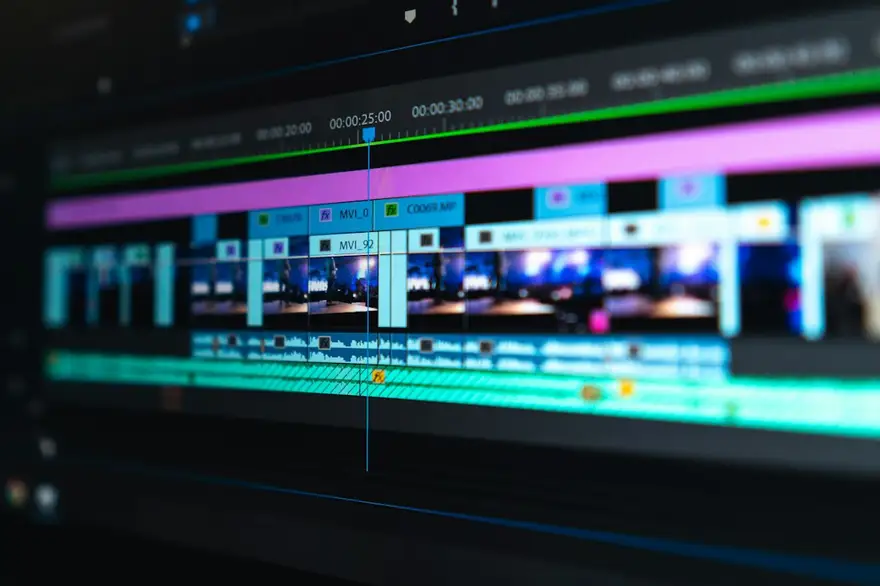
Video editors
A video editor's portfolio that shows the cut
Social media managers
A social media manager portfolio that shows the content and the results
More for video and visual creators
Build the home your channel deserves
The builder opens with your content creator prompt filled in. You edit it, add a reference, and watch the first version take shape.