
Digital artist portfolio website
A digital art portfolio that's yours, not the algorithm's
Social feeds crop your art and bury it in a day. FNJ's AI builder designs a digital art portfolio you curate: a gallery of your strongest pieces at their real proportions, series with the story behind them, commission information and links to where you sell prints. Upload your work, adjust the layout and keep the site on your own domain.
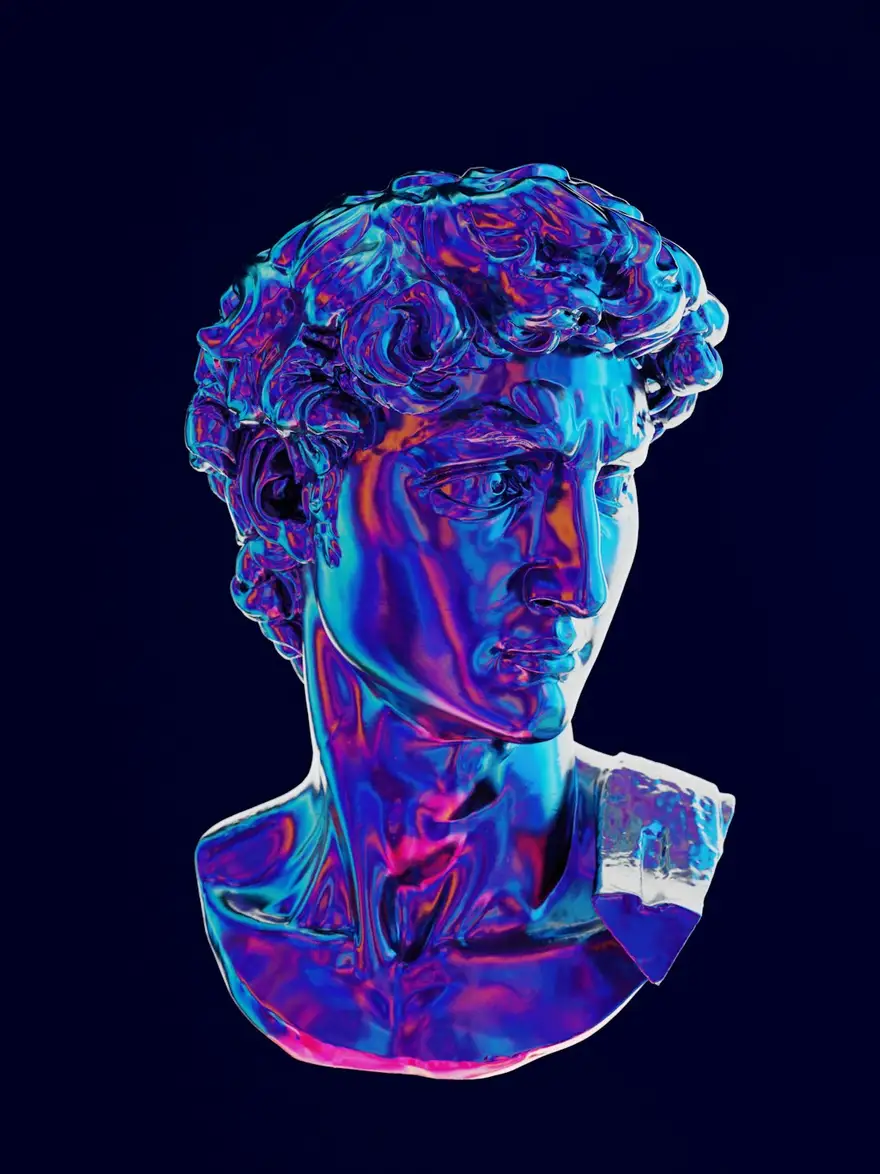
Digital paintings of statues, dreams and other quiet things
Commissions open: two slots this month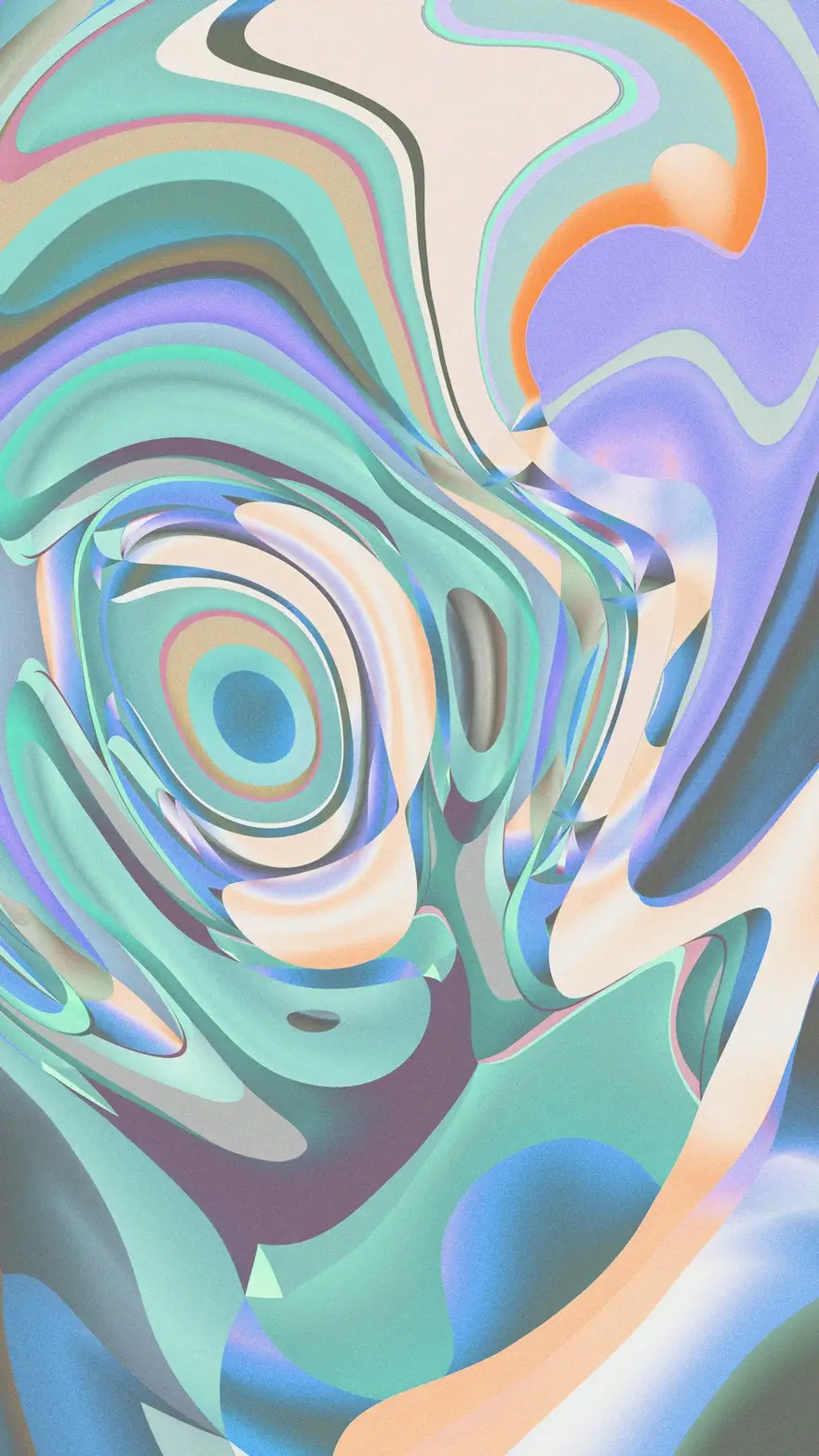
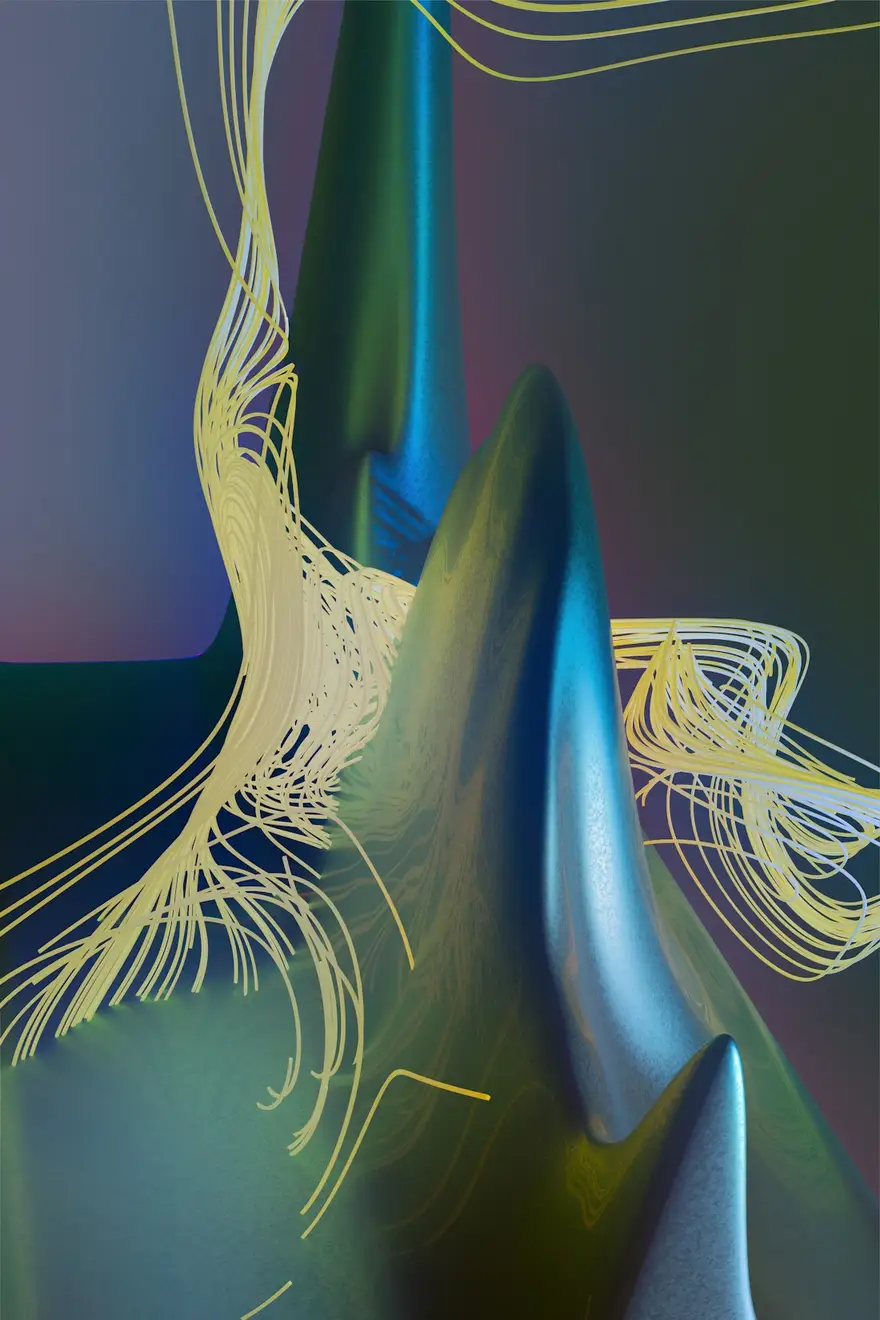
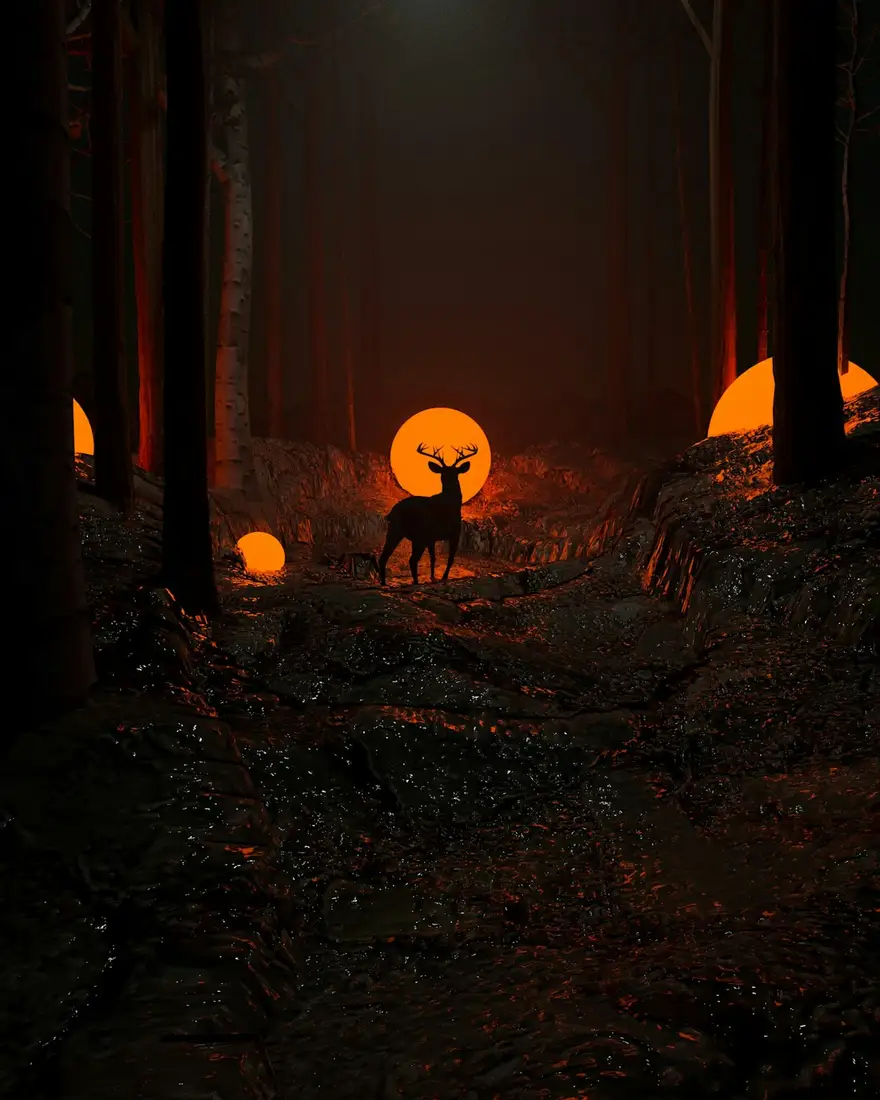
Digital paintings of statues, dreams and other quiet things
Commissions open: two slots this monthThe same sample at phone width. The builder designs every page at desktop, tablet and phone widths.
The sample, section by section
What a digital artist website needs
The sections the builder can design for you, and the job each one does. The starter prompt asks for these; add or drop any of them in your own words.
- 01
Gallery
Your strongest pieces, uncropped.
- 02
Series
Bodies of work with a statement.
- 03
Commissions
What you take on, process and timelines.
- 04
Prints
A button to where you sell them.
- 05
About
Your background and tools.
- 06
Contact
Email and socials.
Made for digital artists, not for everyone
01
Uncropped and curated
Your pieces at their own proportions, in an order you choose.
02
Series with stories
Group work into series with a short statement, the way a gallery would.
03
Commissions and prints
Clear commission terms and buttons to your print shop.
Starter prompt
A prompt written for digital artists
It opens in the builder ready to edit. Replace the words in brackets with your own details, change anything else you like, then add a reference.
Reference to add
An artist's site or online gallery whose presentation you like.
The builder takes a reference's look (layout, type, palette, spacing), never its words or images.
Build a digital artist portfolio for [your name], a digital artist creating [surreal portraits / concept art / abstract work]. Open with a large featured piece on a dark background and my name. Add a masonry-style 'Gallery' of twelve pieces at their original proportions, a 'Series' section with three series (statement and gallery each), a 'Commissions' page with what I take on and how it works, a 'Prints' button linking to my shop, an about section and a contact section. Immersive and gallery-like: deep backgrounds, a modern serif, and colour drawn from the art.
How it works
01
Describe your digital artist site
Open the builder with the starter prompt, fill in your details and add a screenshot or link of a site you'd like yours to look like. A reference is required: it's what makes the design yours rather than a template.
02
Watch it design every page
The builder plans the pages, palette and type, then builds each page section by section on a canvas at desktop, tablet and phone widths while you watch.
03
Refine it, then take the code
Ask for changes in plain words or edit by hand, upload your own work, then download a Next.js project or static HTML, or push it to your GitHub, and host it where you like.
What it costs: From $25/month, or $29 once for 50 credits that never expire. No FNJ hosting fee: you host the exported site. See plans
Digital artists: questions
- Can I sell my digital art or NFTs on the site?
- The builder doesn't include a store or wallet features. Link buttons to the marketplace or shop you use.
- Can I show art at its original aspect ratio?
- Yes. Ask for an uncropped or masonry-style gallery; each image keeps its own proportions.
- Can I protect my art from being downloaded?
- No website can fully prevent that. Upload web-sized versions and keep full-resolution files offline.
- Can I write about each series?
- Yes. Ask for a statement per series and edit the text directly on the canvas.
Related portfolio builders
Illustrators
An illustration portfolio art directors can browse in a minute
3D artists
A 3D portfolio that shows the render and the wireframe
Graphic designers
A graphic design portfolio with real typographic nerve
More for video and visual creators
Curate your work on your own terms
The builder opens with your digital artist prompt filled in. You edit it, add a reference, and watch the first version take shape.