
AI website builder for video editors
A video editor's portfolio that shows the cut
Editors are hired on rhythm and judgement, and both are invisible in a list of credits. FNJ's AI builder designs a video editor portfolio that shows your cuts by genre (commercials, documentaries, YouTube, music videos), explains your part in each, lists the software you work in and makes your turnaround and rates clear for the creators and agencies who hire editors.
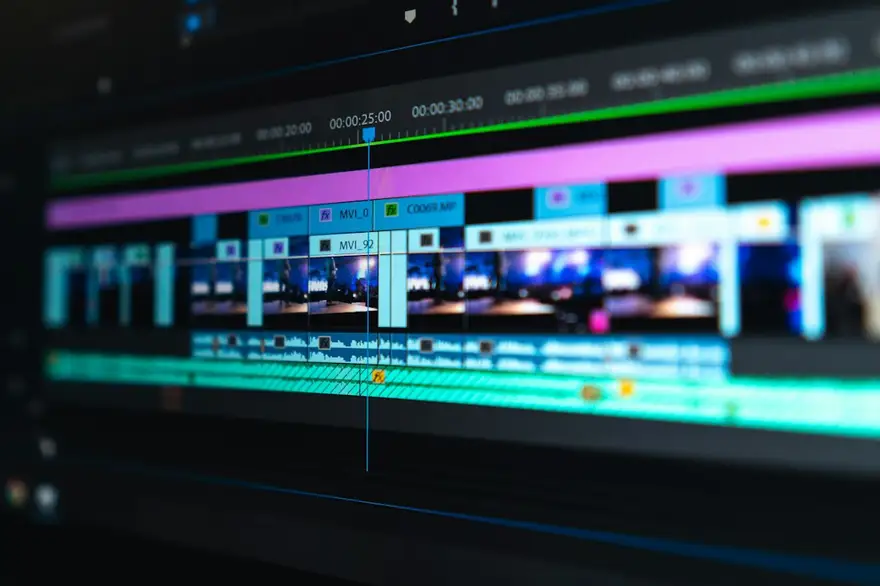
Cutline / Ola Bauer
Video editor for creators & brands
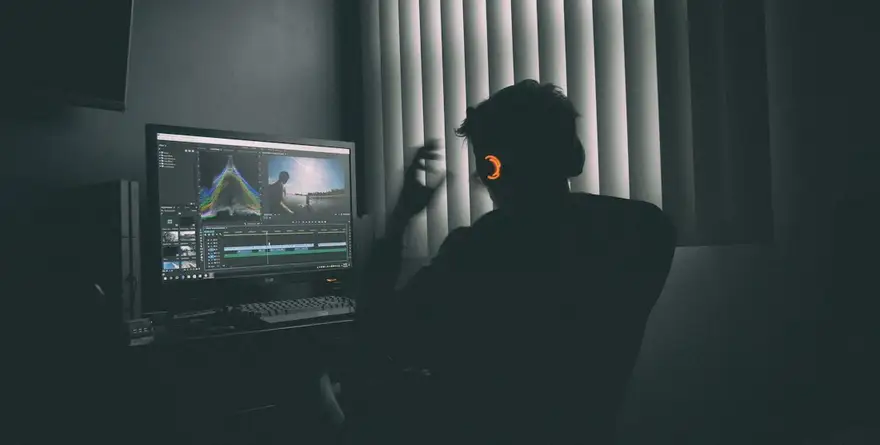 2:14
2:14YouTube long-form
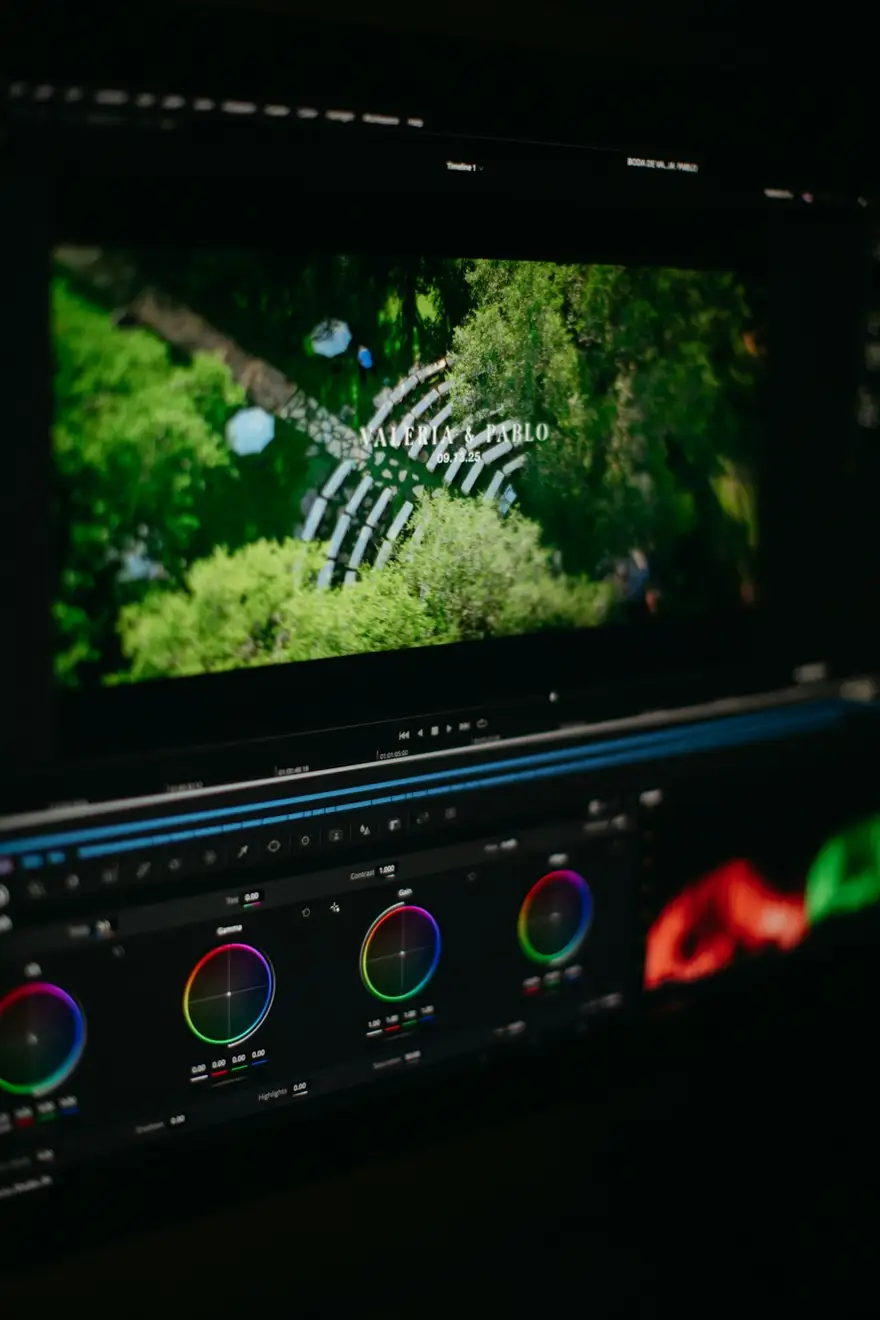 0:58
0:58Commercials
 4:30
4:30Short docs
Cutline / Ola Bauer
Video editor for creators & brands
2:14YouTube long-form
0:58Commercials
4:30Short docs
The same sample at phone width. The builder designs every page at desktop, tablet and phone widths.
The sample, section by section
What a video editor website needs
The sections the builder can design for you, and the job each one does. The starter prompt asks for these; add or drop any of them in your own words.
- 01
Edit reel
A tight reel of your best cuts.
- 02
Work by genre
Rows of projects per kind of edit.
- 03
Project pages
The cut, the brief and your role.
- 04
Software
Premiere, Resolve, Final Cut, After Effects.
- 05
Rates and turnaround
Per video or retainer, with revision rounds.
- 06
Contact
Email and a button to your booking form.
Sample photography from Unsplash by peter_s, mark_crz, that_person and jakobowens1.
Made for video editors, not for everyone
01
Work by genre
Commercials, long-form YouTube, documentaries and music videos, each with its own row of cuts.
02
Your role in every project
Offline edit, colour, sound or full post: the credit that matters to the person hiring.
03
Clear terms for creators
Turnaround, revisions and starting rates for YouTube creators and agencies who hire editors on retainer.
Starter prompt
A prompt written for video editors
It opens in the builder ready to edit. Replace the words in brackets with your own details, change anything else you like, then add a reference.
Reference to add
An editor's or post-production house's site whose look you like.
The builder takes a reference's look (layout, type, palette, spacing), never its words or images.
Build a video editor portfolio for [your name], a video editor cutting [YouTube videos, commercials and short documentaries]. Open with a full-width muted edit reel and a one-line pitch. Add a 'Work' section with projects grouped by genre (video thumbnail, client and my role: edit, colour, sound or full post), a page per project with the video and a short note on the edit, a software section, a 'Rates and turnaround' section with per-video and retainer options, and a contact section. Sleek and dark like an editing suite: a sharp sans-serif, timeline-inspired accent lines and one neon accent.
How it works
01
Describe your video editor site
Open the builder with the starter prompt, fill in your details and add a screenshot or link of a site you'd like yours to look like. A reference is required: it's what makes the design yours rather than a template.
02
Watch it design every page
The builder plans the pages, palette and type, then builds each page section by section on a canvas at desktop, tablet and phone widths while you watch.
03
Refine it, then take the code
Ask for changes in plain words or edit by hand, upload your own work, then download a Next.js project or static HTML, or push it to your GitHub, and host it where you like.
What it costs: From $25/month, or $29 once for 50 credits that never expire. No FNJ hosting fee: you host the exported site. See plans
Video editors: questions
- Can I show before-and-after edits?
- Yes, as two video blocks side by side, each playing a file you host, with captions. An interactive comparison slider isn't included.
- Can YouTube creators hire me on retainer through the site?
- The site can explain your retainer and link to your booking or payment tool; the builder doesn't take payments itself.
- Can I list the software I use?
- Yes. Ask for a software section; it can be text or logos you have the right to use.
- Can I link to videos on YouTube?
- Yes, with buttons or linked thumbnails. YouTube embeds aren't supported in the builder's video block, which plays video files.
Related portfolio builders
Videographers
A videographer portfolio that opens on the reel

Motion designers
A motion design portfolio that starts with the reel

Content creators
A creator website you own, with a media kit brands can read
More for video and visual creators
Let them see the cut
The builder opens with your video editor prompt filled in. You edit it, add a reference, and watch the first version take shape.